Shift
Shift to convert.
A new format. The same starting point.
 JPGripple.jpg
A new copy
ripple.jpg is a new copy. ripple.png stays unchanged.
 flickdialEarly access
Convert, edit and send files,
right where you find them.
One gesture on your computer.
Your files stay on your computer.
Original, unchanged
JPGripple.jpgA new copy
Tap an option. Mac: ⇧ / ⌘ / ⌃. Windows & Linux: Shift / Ctrl / Alt.
Tab to a wheel and use arrows to move, Enter or Space to choose. Mac: hold ⇧ Shift for Convert, ⌘ Command for Tools, ⌃ Control for Actions. Windows and Linux: hold Shift for Convert, Ctrl for Tools, Alt for Actions. On Linux Wayland, drop files onto the Flickdial window instead of using the drag wheel.
A shortcut that comes to you.
Convert, edit, and act on a file
without losing your place.
Same ripple.png. Three wheels. Hover, focus or tap an option to see where it leads. Illustrated previews; no files processed.
A new format. The same starting point.
JPGripple.jpgA new copy
ripple.jpg is a new copy. ripple.png stays unchanged.
A quick edit, or room to fine-tune.
 PNGCrop
Fine-tune, then save
Frame the part that matters. Save a cropped copy.
Move it, share it, or keep it handy.
Ready for the next step
Keep files within reach while you work.
327 conversions · 285 on Windows and Linux.
50 source formats. Explore your next file.
Make a new copy as
Tap a sector to explore the route.
The original stays just as it is.
PNG AVIF · BMP · DOCX · HEIC Mac only · JPG · PDF · SVG · TIFF · TXT · WEBP
MOV AVI · GIF · M4A · MKV · MP3 · MP4 · WEBM · WMV
MP3 AIFF · FLAC · M4A · OGG · OPUS · WAV · WMA
DOCX EPUB · FOLDER OF JPG · FOLDER OF PNG · HTML Mac only · MD Mac only · PAGES · PDF · TXT Mac only
XLSX CSV · MD · ODS · PDF · TSV
PDF DOCX · EPUB · FOLDER OF JPG · FOLDER OF PNG · HTML · MD · PAGES · PPTX · TXT · XLSX
ZIP GZ · TAR
PPTX FOLDER OF JPG · FOLDER OF PNG · HTML · MD · PDF · TXT
EPUB DOCX · HTML · MD · PAGES · PDF · TXT
SRT TXT · VTT
AIFF · AVI · AVIF · BMP · CSV · DOC · DOCX · EPUB · FLAC · GIF · GZ · HEIC · JPG · JXL · M4A · MD · MKV · MOV · MP3 · MP4 · ODP · ODS · ODT · OGG · OPUS · PAGES · PDF · PNG · PPT · PPTX · RAR · RTF · RTFD · SRT · SVG · TAR · TAR.GZ · TEXT_CLIPPING · TIFF · TSV · TXT · VTT · WAV · WEBM · WEBP · WMA · WMV · XLS · XLSX · ZIP
Source formats for conversions. Some formats also have editing tools. Folder inputs are listed under Archives.
44 tools · 43 on Windows and Linux.
From “I have a file” to “it’s ready.”
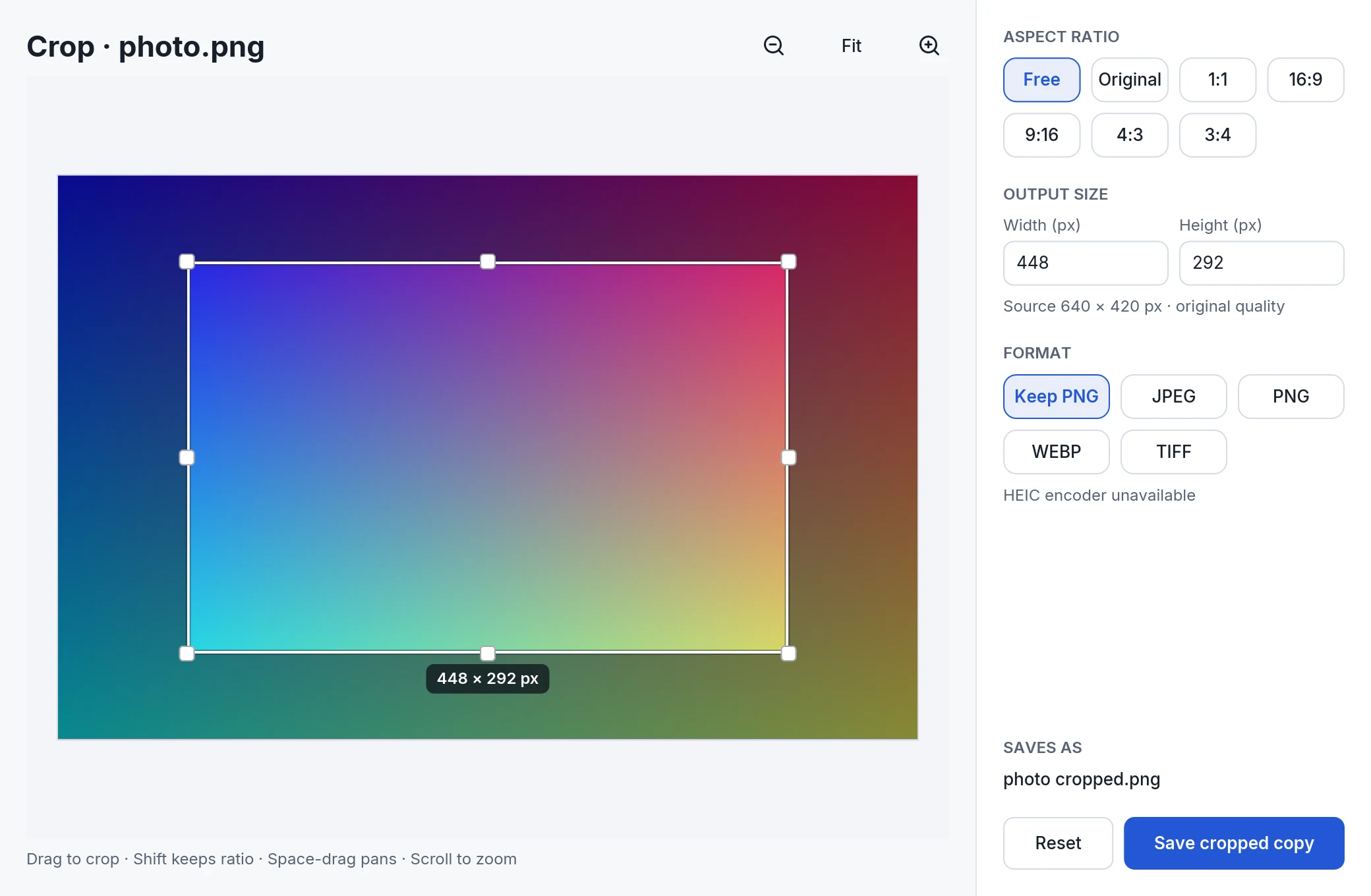
Choose the part that matters. Save a cropped copy and keep the full original.

Original geometric print. The result is an actual pixel crop.
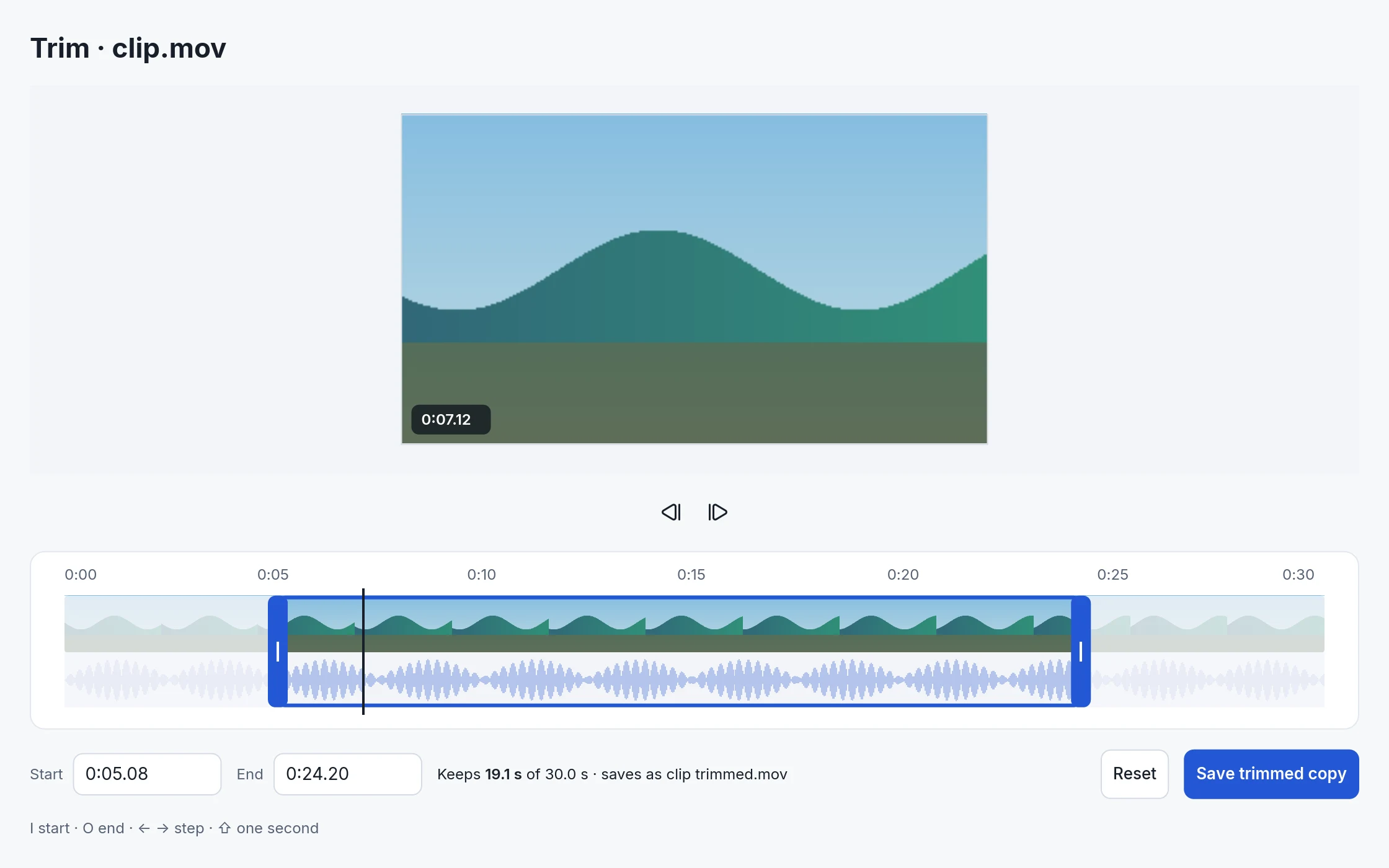
Set the start. Set the end. Save a trimmed copy of your video or audio.
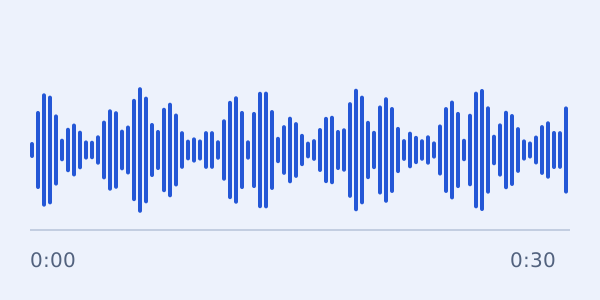
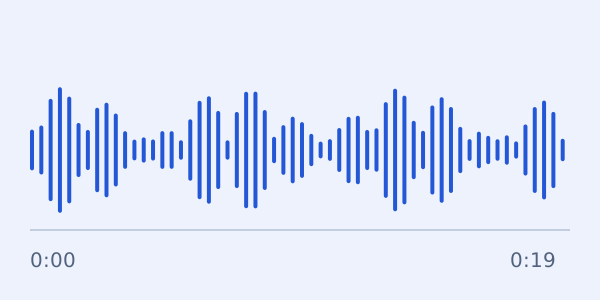
Illustrated waveform. The app capture shows a real trim selection.
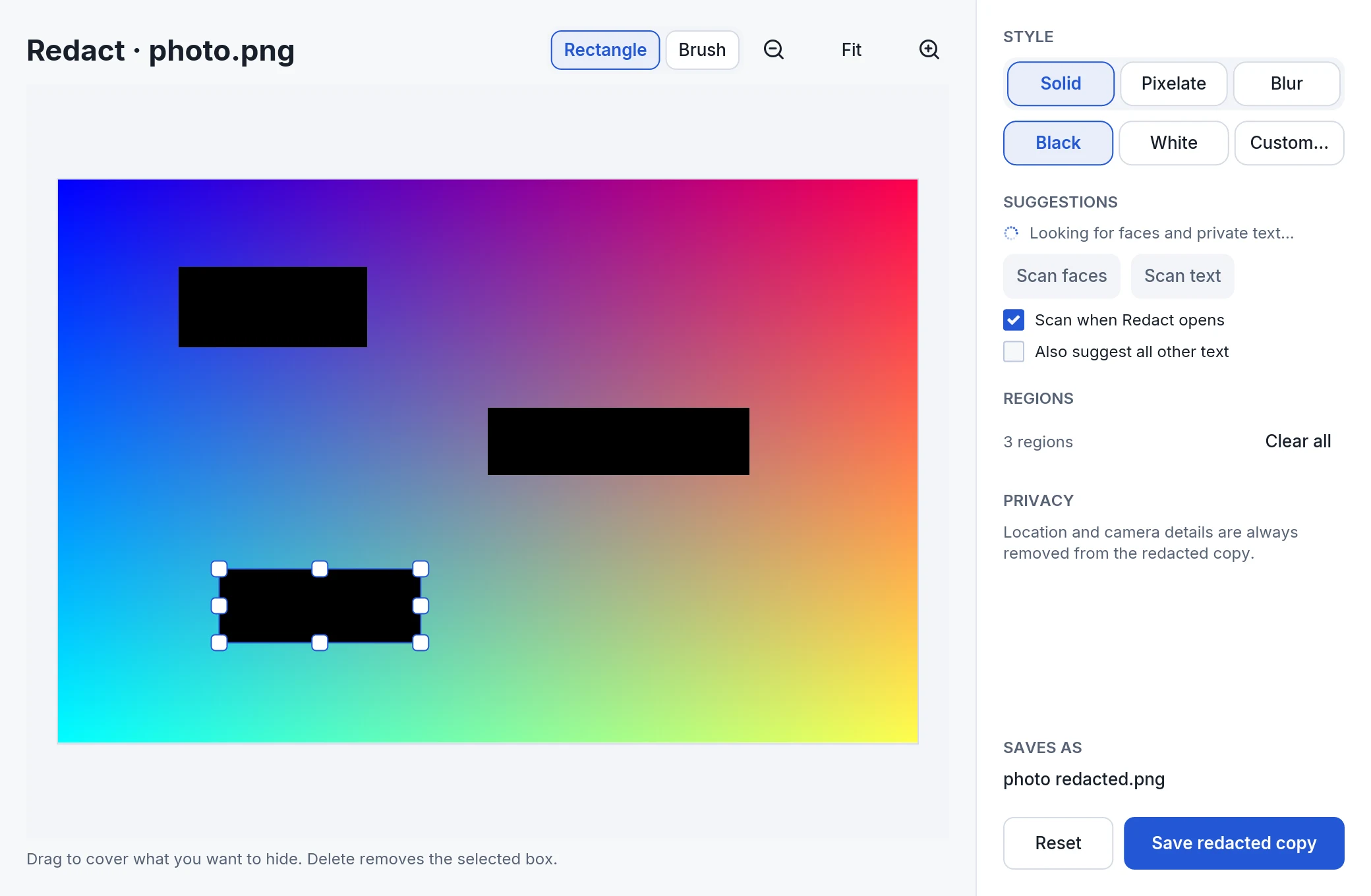
Cover sensitive parts of an image with solid redaction, then save a separate copy.
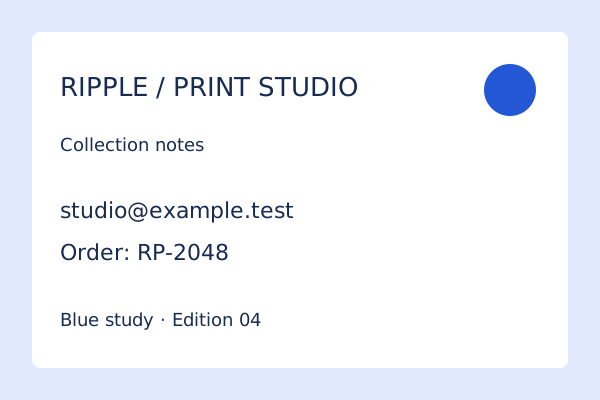
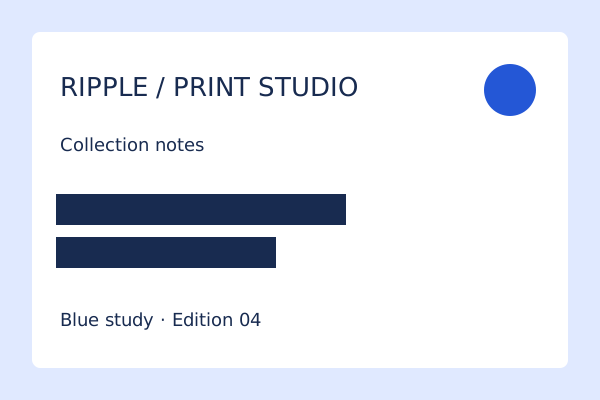
Illustrated print-studio note with invented contact details.
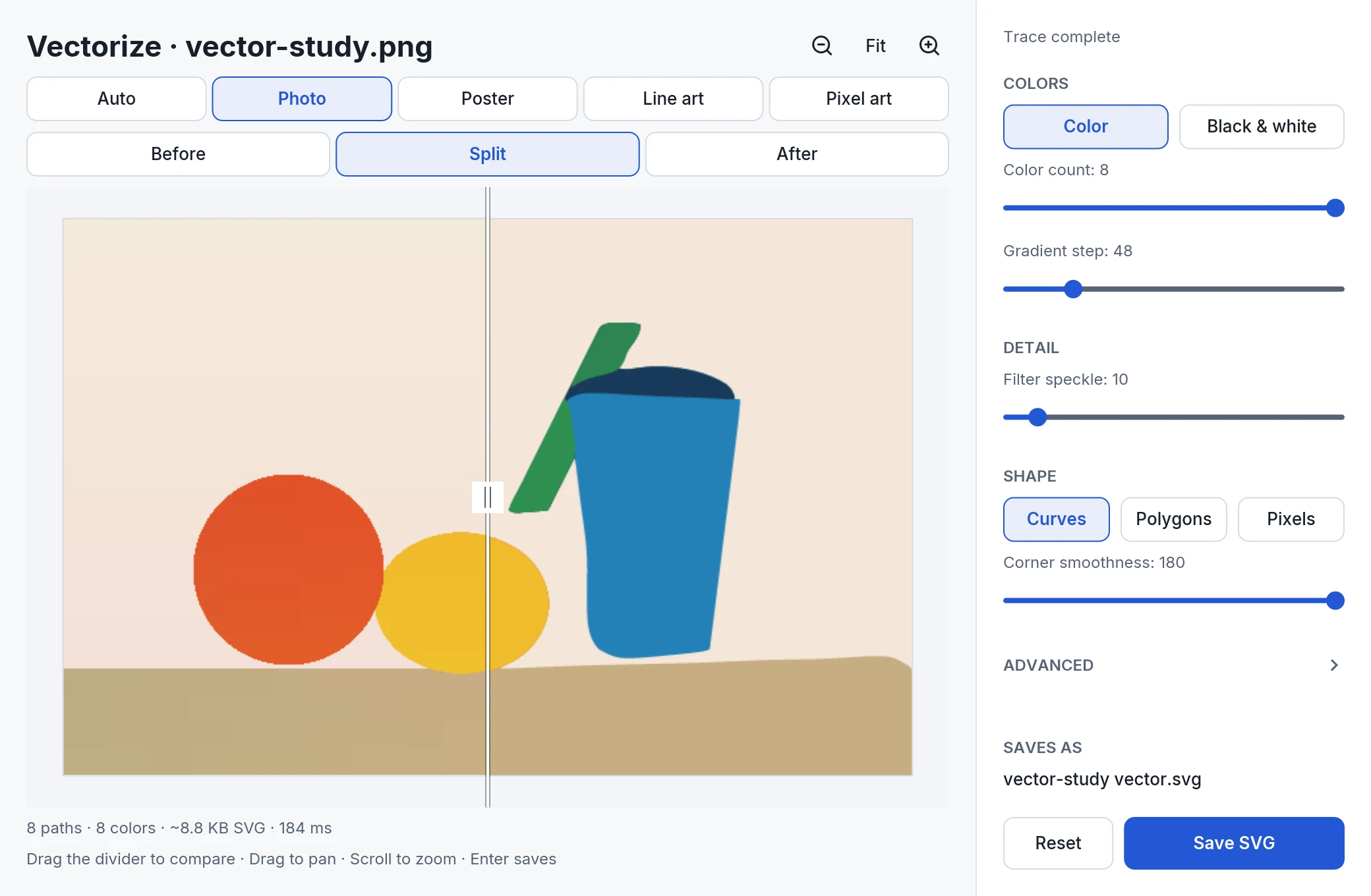
Turn an image into SVG. Compare the trace and adjust it before saving.

Illustrative raster/vector comparison. See the real app trace alongside.
Remove backgrounds. Make a PDF searchable. Add page numbers or a watermark. Compress, merge, and split.
Background removal on Windows and Linux requires a 64-bit Intel or AMD processor with AVX2.
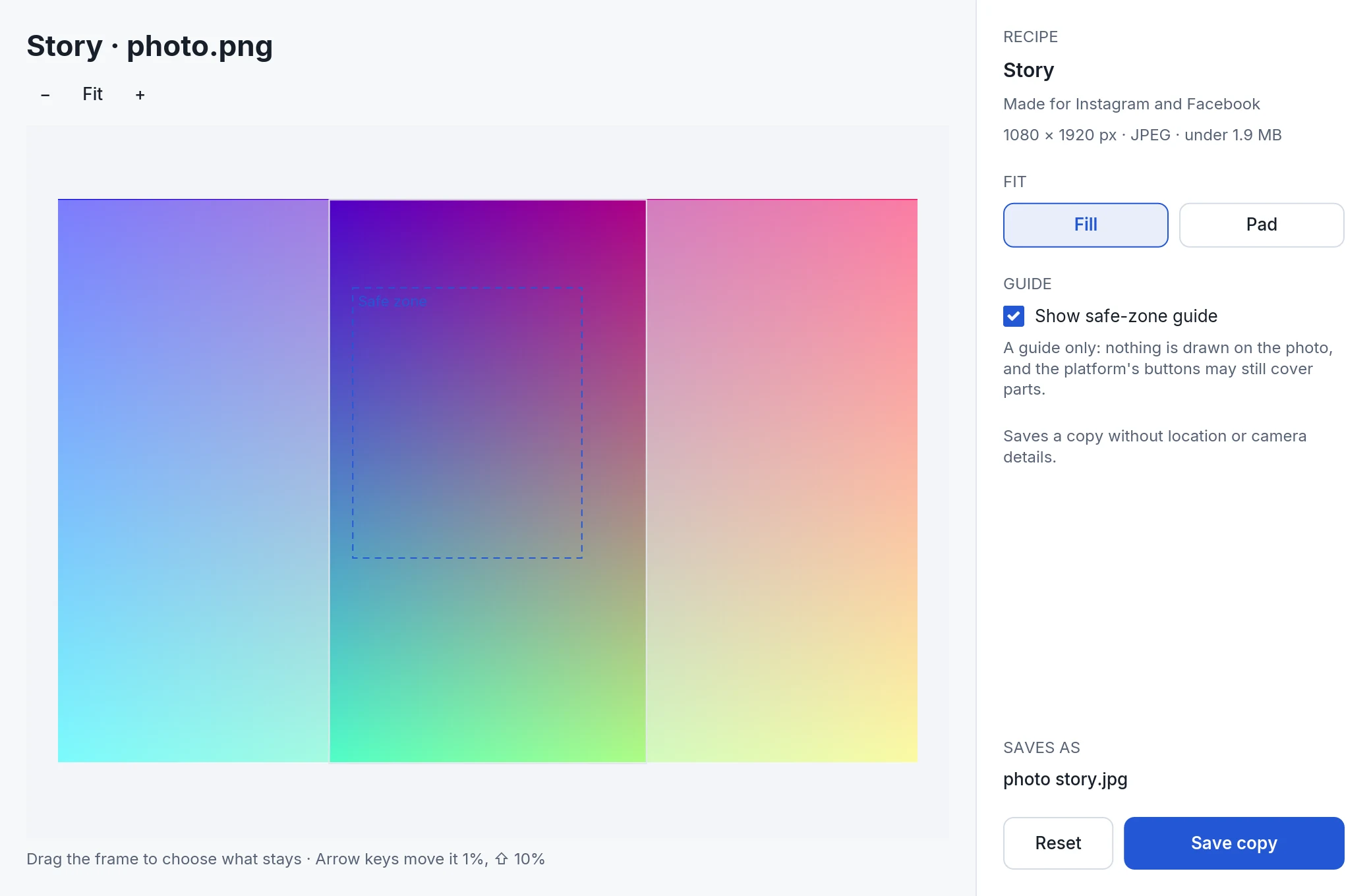
23 presets for social platforms. Make a Portrait feed image at 1080 × 1350, saved as JPEG under 1.9 MB, or choose Story, X header, LinkedIn banner, YouTube thumbnail or Profile photo.
Drag the frame to choose what stays. See the safe zone or the profile circle before saving.
Pad with a color or a blurred copy, and allow enlarging when you need it.
Each copy is saved without location or camera details. Your starred recipes appear as a wheel.

1080 × 1350 · JPEG under 1.9 MB
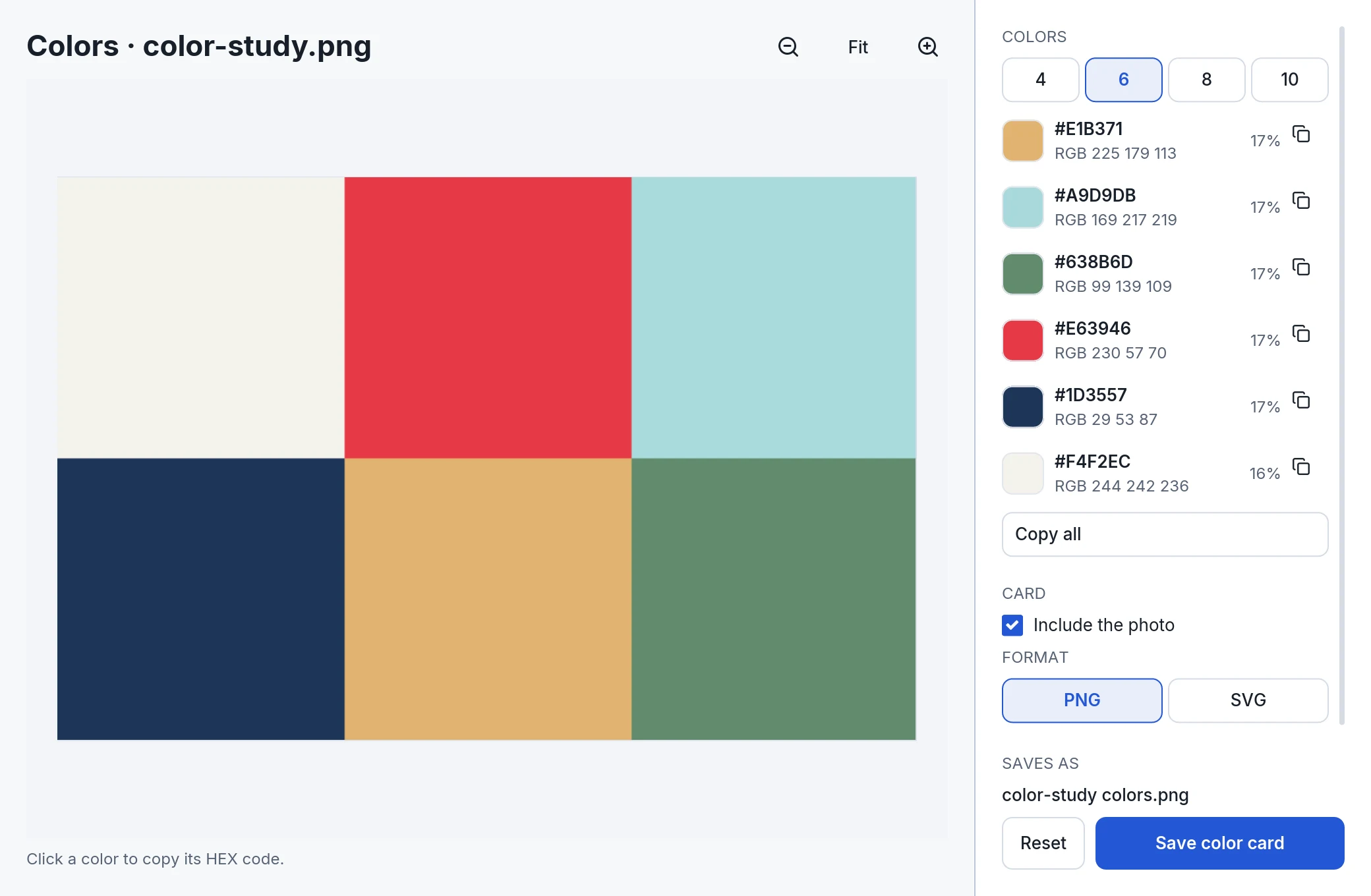
Find a photo’s main colors: choose 4, 6, 8 or 10. Copy any code with one click, or save a color card as PNG or SVG.
Pick a chip. Keep the color.
24 MP and 48 MP iPhone photos, HEIC included, now open in every photo tool. Remove background included.
HEIC photo tools and saving in HEIC are Mac-only.
24 MP · 48 MP · HEIC
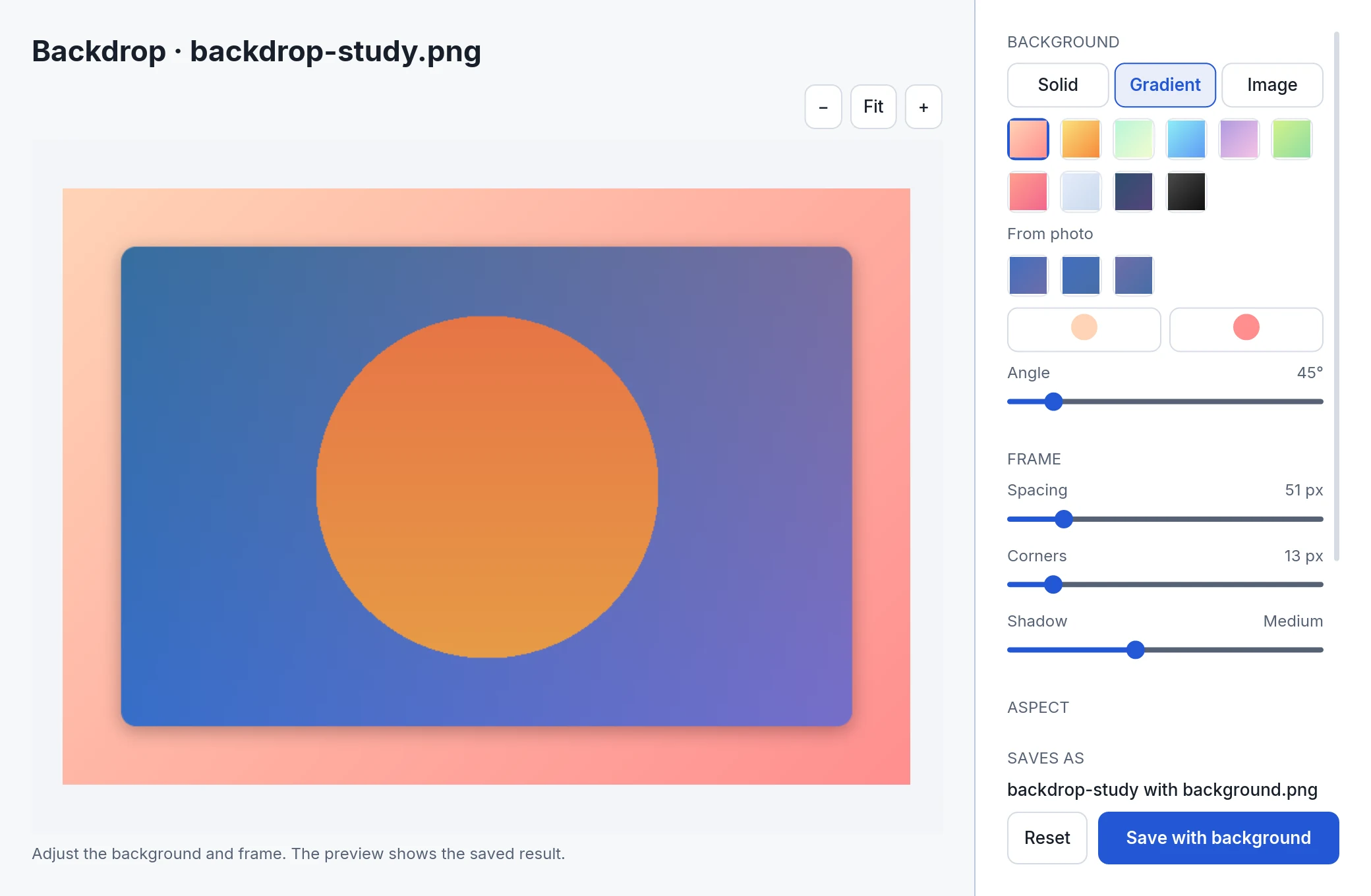
Choose colors and gradients taken from your own photo. Undo and redo give you room to try another direction.
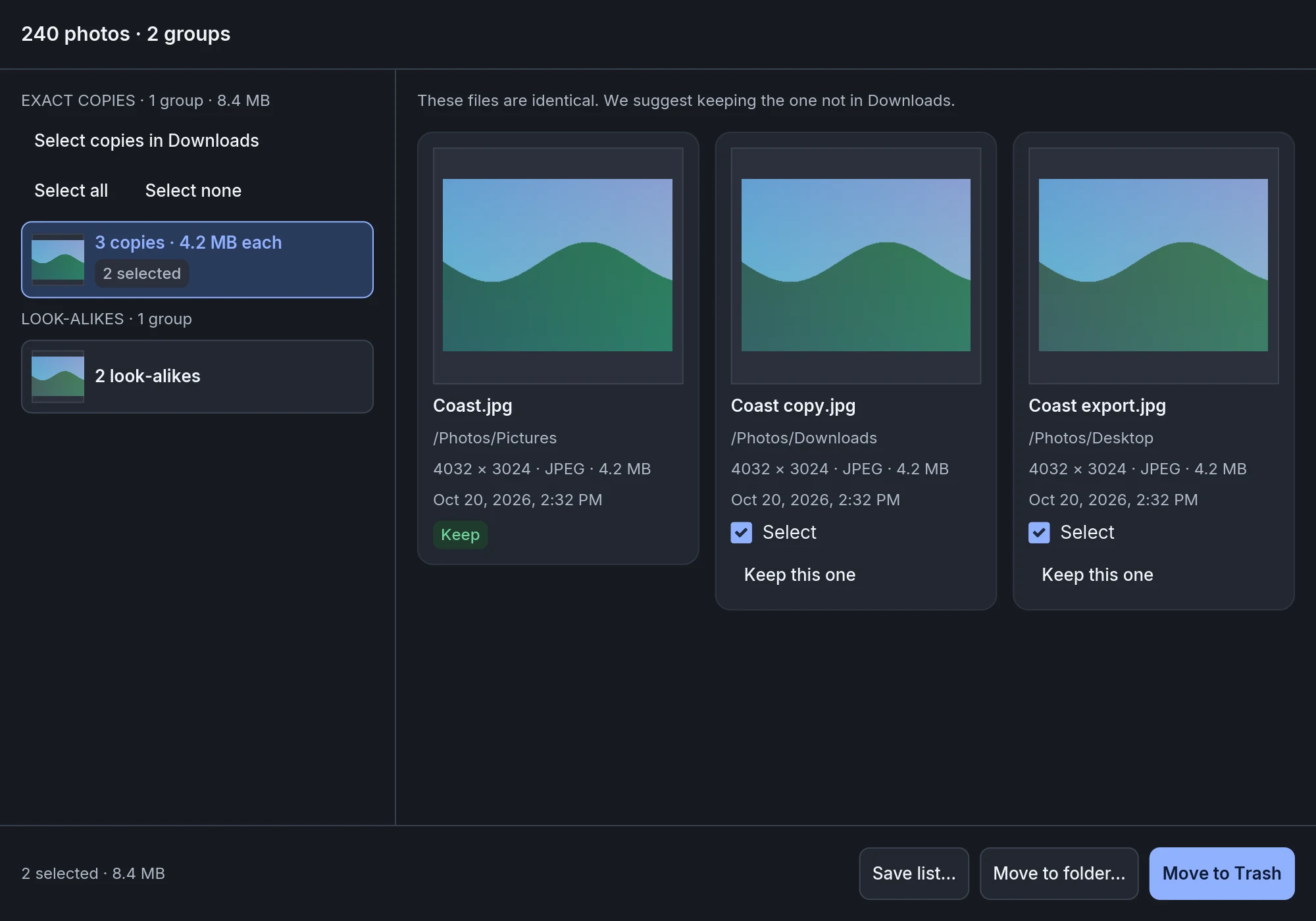
Find exact copies, checked byte for byte, and look-alike photos in a folder.
Choose which to keep. The rest go to the Trash, and Put back restores them.
Cloud-only files are never downloaded. Save the list as CSV.
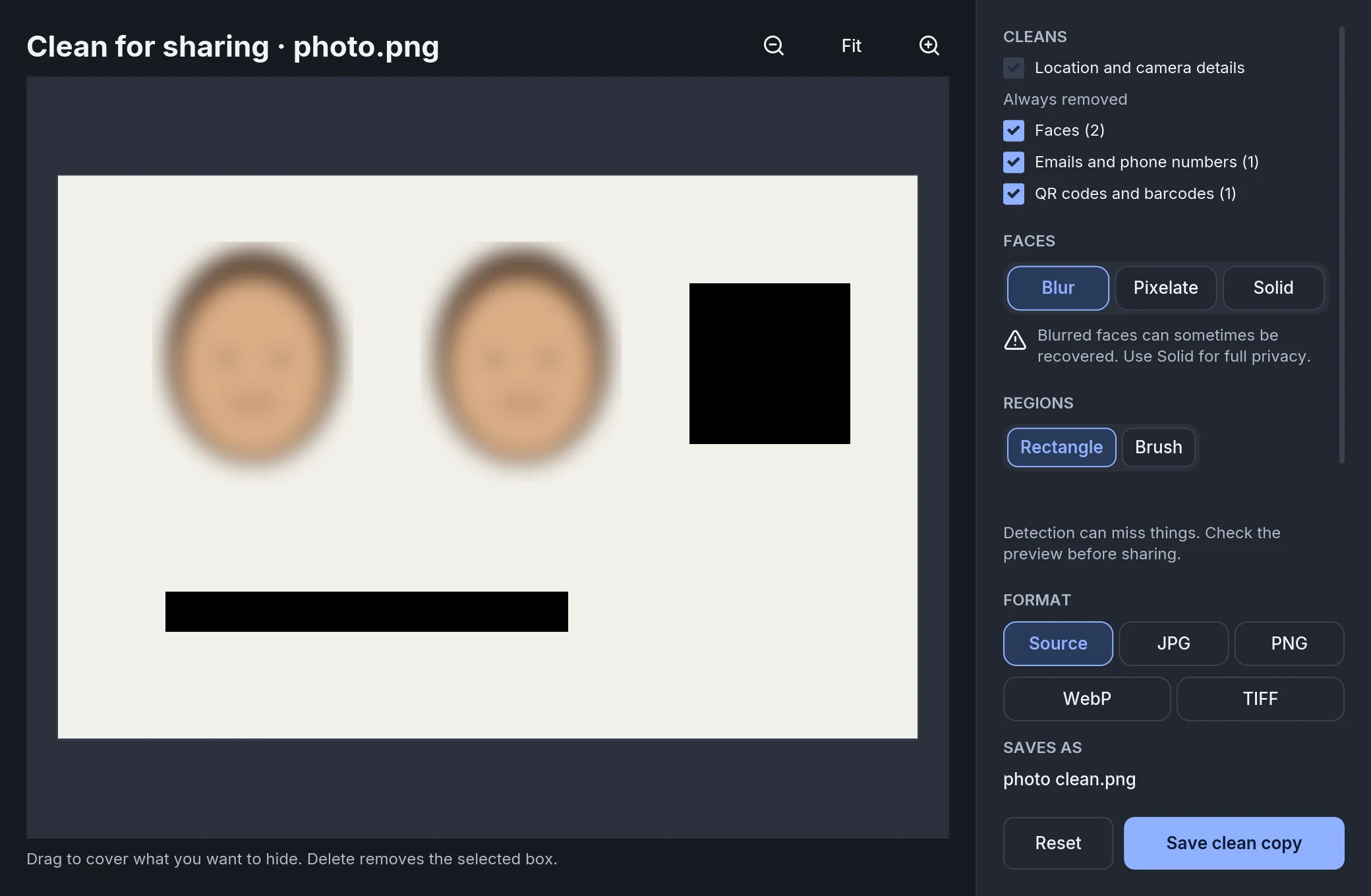
Scan a photo for faces, QR codes, names, emails and phone numbers, then cover what you choose.
Location and camera details are removed from the copy. Your original stays unchanged.
Automatic face and QR-code detection, and text recognition from images, are Mac-only.
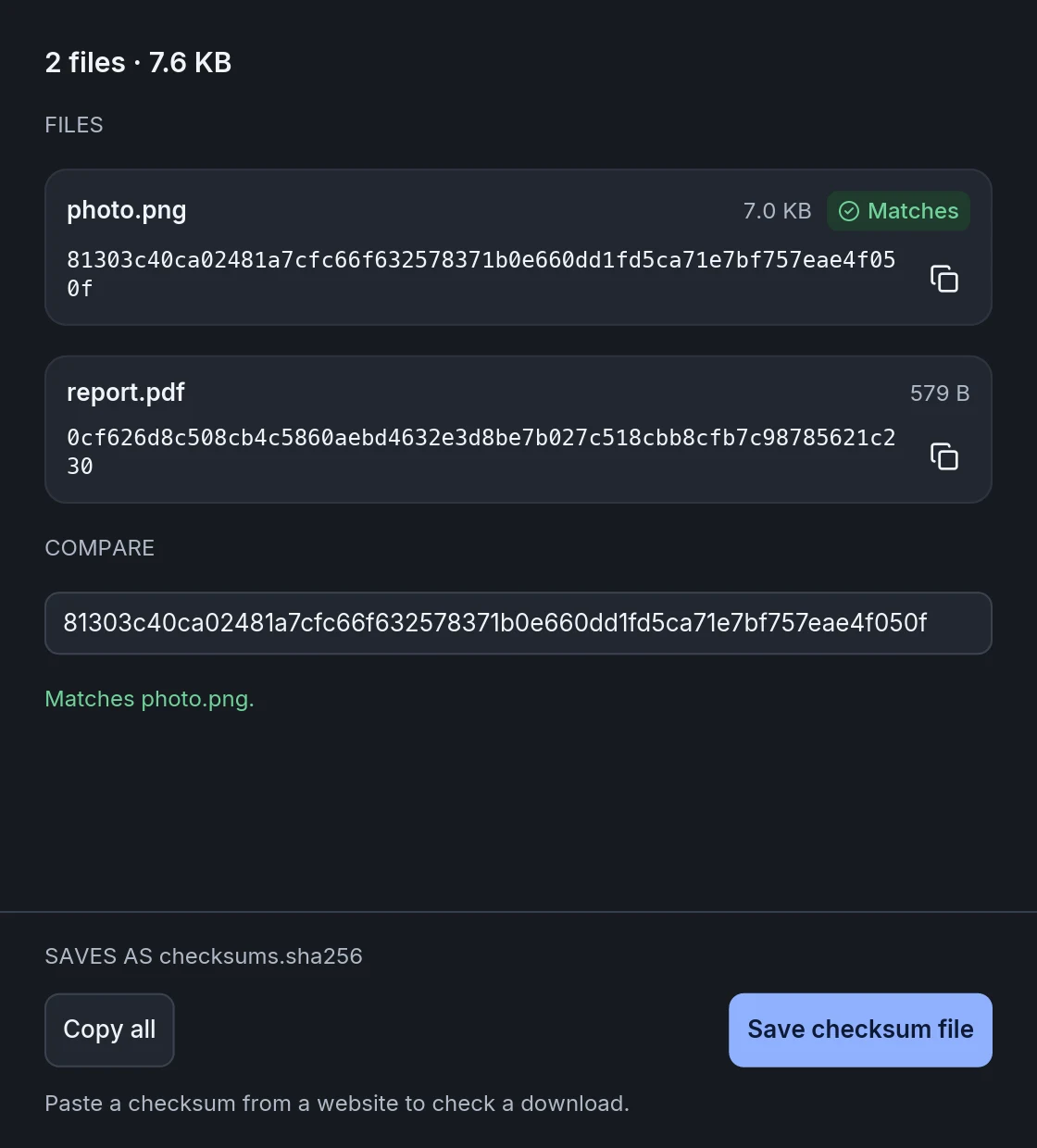
Get the SHA-256 checksum for any file. Copy it, compare it with a pasted value, verify a checksum file, or save one.
JPEG XL photos open everywhere WebP photos do. Save AVIF photos up to 50 megapixels, including iPhone’s 12, 24 and 48 MP photos.
Saving in HEIC and text recognition from images are Mac-only.
Make smaller PNGs with every pixel checked identical. Choose to keep or remove metadata.
Open and save Apple Pages documents. Convert PowerPoint to PDF and images, and PDF to Excel.
Inspect and edit a photo’s metadata, or remove details from the saved copy.
Hold Control on Mac, Alt on Windows and Linux.
6 actions · 5 on Windows and Linux.
Hand a file to a nearby Apple device.
ripple.pngNearby MacKeep files within reach while you work.
ripple.pngFloating shelfMake a copy where you need it.
ripple.pngClipboardPut files where you need them.
ripple.pngChosen folderGet the file’s location onto your clipboard.
ripple.pngpathCopied pathGo straight to the file’s folder.
ripple.pngfolderTerminalConversions run on your computer. Your files are never uploaded. There’s no account to make, and your originals stay unchanged.
Flickdial can check for app updates. File conversion stays local.
A new file habit for Mac, Windows and Linux.
Free during early access
Mac, Windows, and Linux are available.
Version 1.1.0 · 70.6 MB · macOS 12 or later · Apple silicon
Download for MacSHA-256 a7e7e4c663288e64eab7a1d715e1e4dfd1144db8421f1cfe555c5f1040ed104b
Version 1.1.0 · 219.8 MB · Windows 10 or 11, 64-bit · x86-64
Download for WindowsSHA-256 8252f302ee12e3a224e020cf22b2551c55e608900ead0a393e9c9b90acf68bcb
If Windows shows “Windows protected your PC”, choose More info, then Run anyway.
Version 1.1.0 · 227.4 MB · 64-bit · X11 desktop · glibc 2.28 or newer · x86-64
Download for LinuxSHA-256 692bb4dbdc9019151fc01e5608213d7e2c66b7dde7fdd56a035fd5b846a64afd
On Wayland, drop files onto the Flickdial window; the drag wheel is not available.
No account needed. Background removal on Windows and Linux requires a 64-bit Intel or AMD processor with AVX2.