25 words
Flickdial 1.1.0 converts and edits files on Mac, Windows and Linux. Processing stays local, originals stay unchanged, and early access is free with no account.
 flickdialGet Flickdial
The Flickdial press kit. Facts, descriptions and original app captures, ready for your story.
These assets may be used for coverage of Flickdial.
Flickdial 1.1.0 converts and edits files on Mac, Windows and Linux. Processing stays local, originals stay unchanged, and early access is free with no account.
Flickdial 1.1.0 brings file conversion, editing and actions to a dial at your pointer. Drag a file, hold a key, choose an option and release. Convert images, video, audio and documents, crop a photo, trim a clip or redact a photo. Files are processed on your computer and never uploaded; the original stays unchanged. Available for Mac, Windows and Linux, Flickdial is free during early access and requires no account. Keep working beside your files.
Flickdial 1.1.0 puts file conversion, editing and actions around a dial at your pointer. Drag a file and hold a key to bring up the options, then flick toward the result you want. A copy leaves the original unchanged. Convert images, video, audio, documents and more. Crop a photo, trim a clip, redact a photo or turn an image into vector artwork. Other tools remove backgrounds, compress files, make PDFs searchable, add page numbers and watermarks, and merge or split PDFs. Actions include copying, moving and copying a file’s path. Processing happens on your computer, and files are never uploaded. There is no account to create. Flickdial is available for Mac, Windows and Linux, with platform requirements and downloads listed on its website. It is free during early access. The idea is simple: keep file jobs close to the files, so you can finish the edit and carry on working.
Flickdial 1.1.0 is a local file converter and editor for Mac, Windows and Linux. Its dial brings conversions, tools and actions to the pointer. Files stay on the user’s computer and originals stay unchanged. Free during early access. Information and downloads: flickdial.com. Press contact: info@flickdial.com.
 flickdial
Light accent #2457D6
Dark accent #90B0FF
Leave at least a quarter of the icon’s width around it. For the wordmark, leave a quarter of its height on every side.
Use the supplied files. Keep their proportions. Choose the wordmark that reads clearly against your background.
Stretch, recolor or redraw the assets, add effects, or imply endorsement by Flickdial.
Unaltered app captures, encoded as WebP. Download any image at its full resolution.
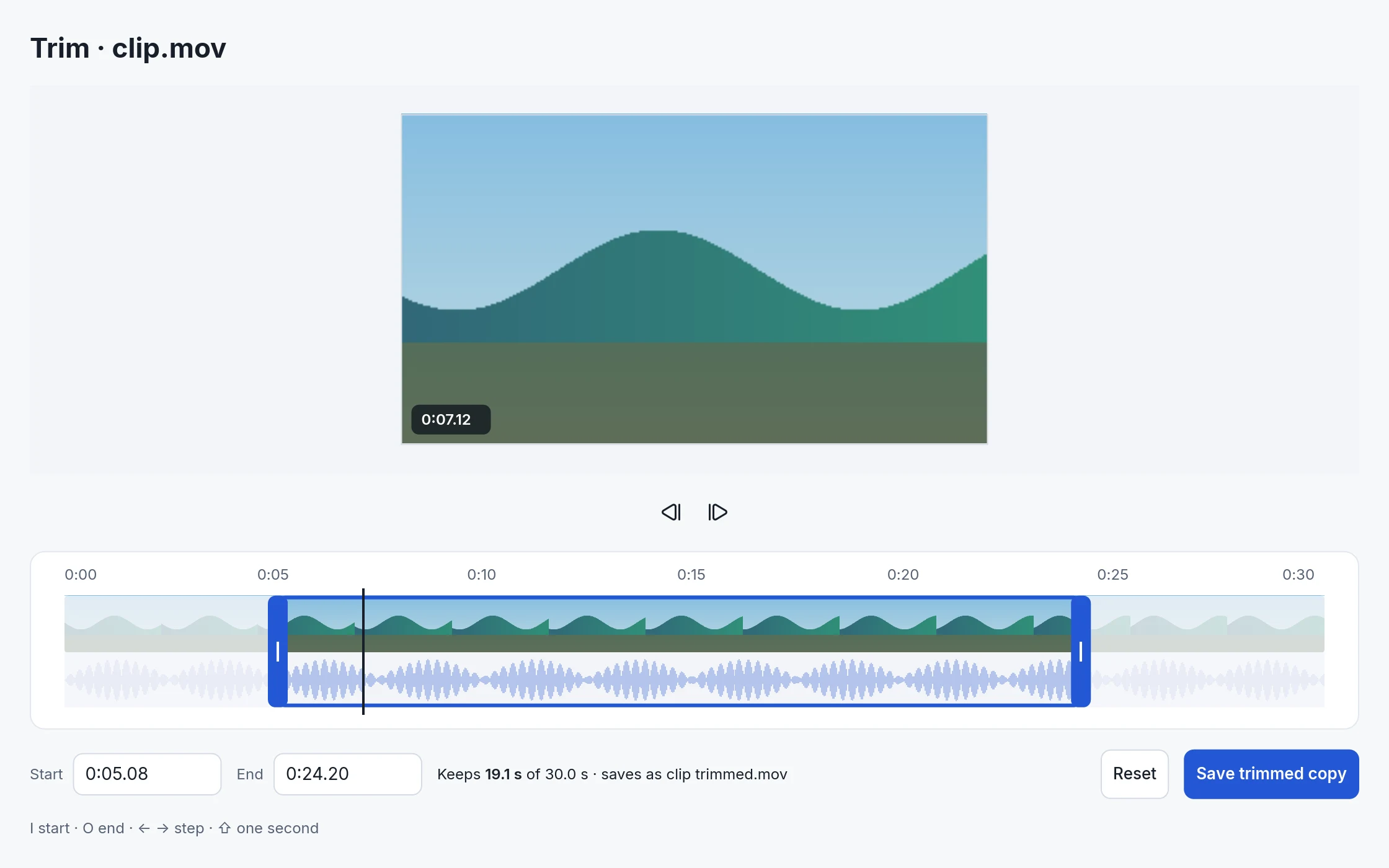 trim · video selection default · 2240 × 1400 ↓
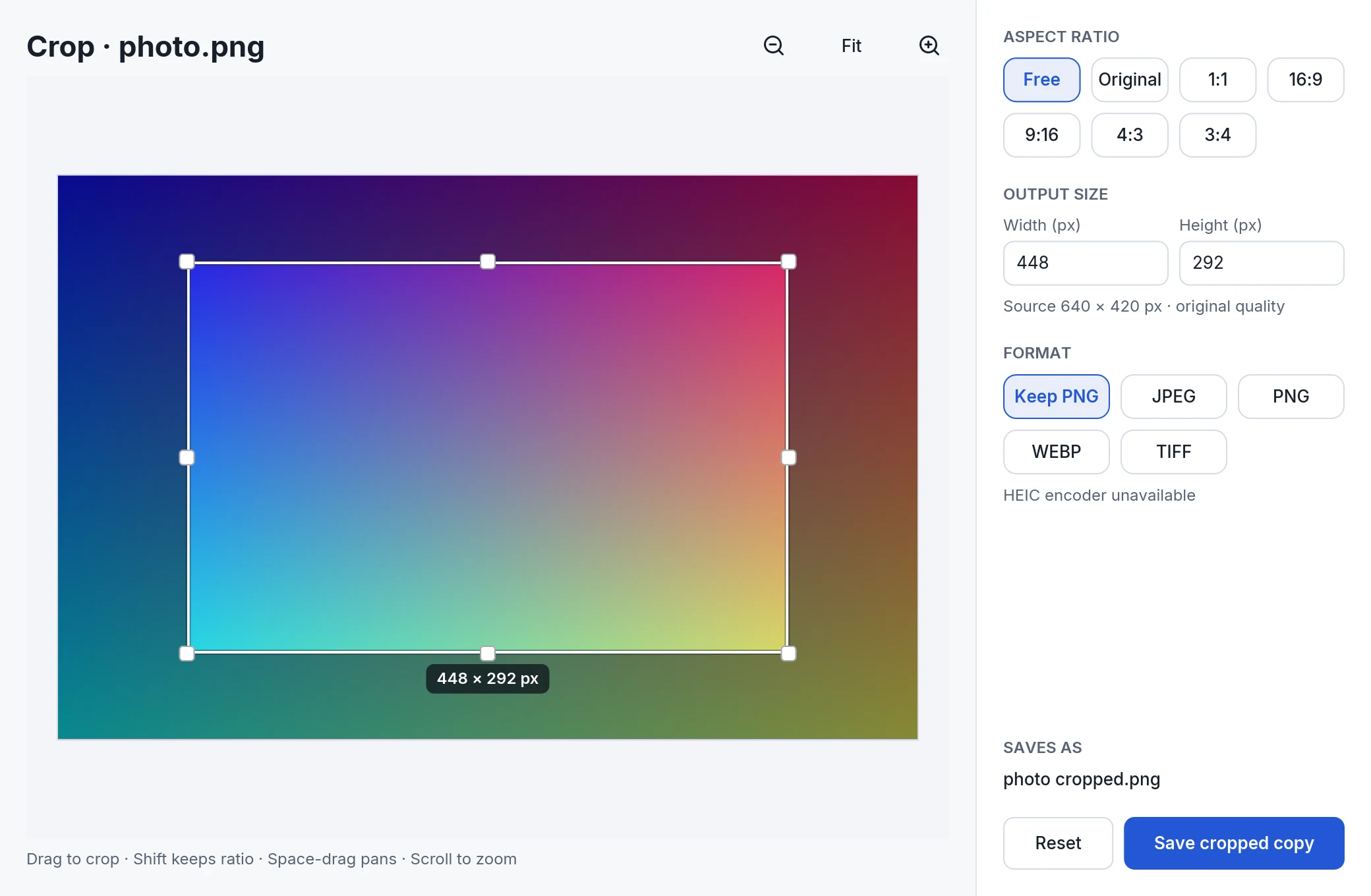 crop · inset photo · 2080 × 1360 ↓
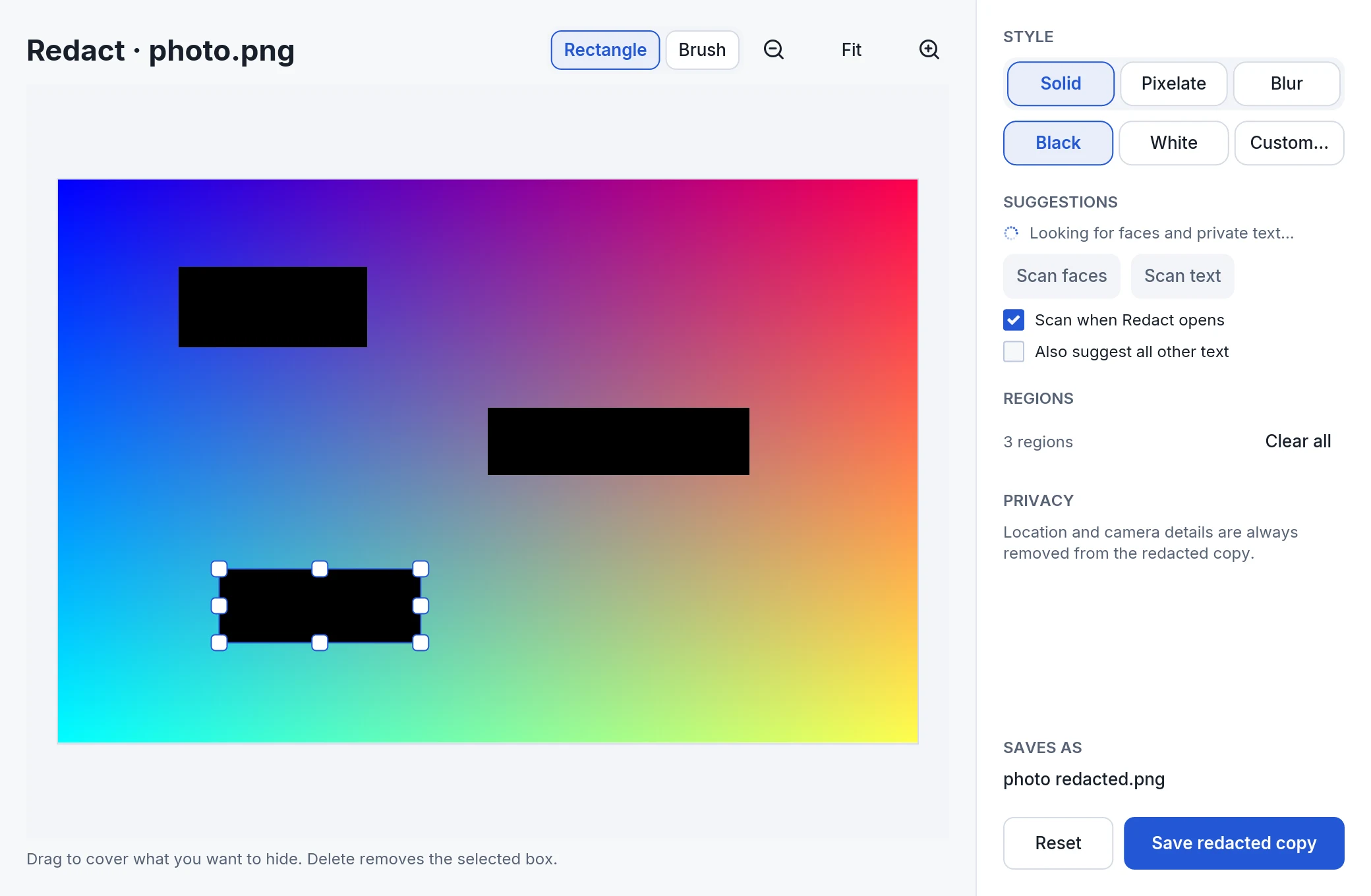 redact · rectangles default · 2080 × 1360 ↓
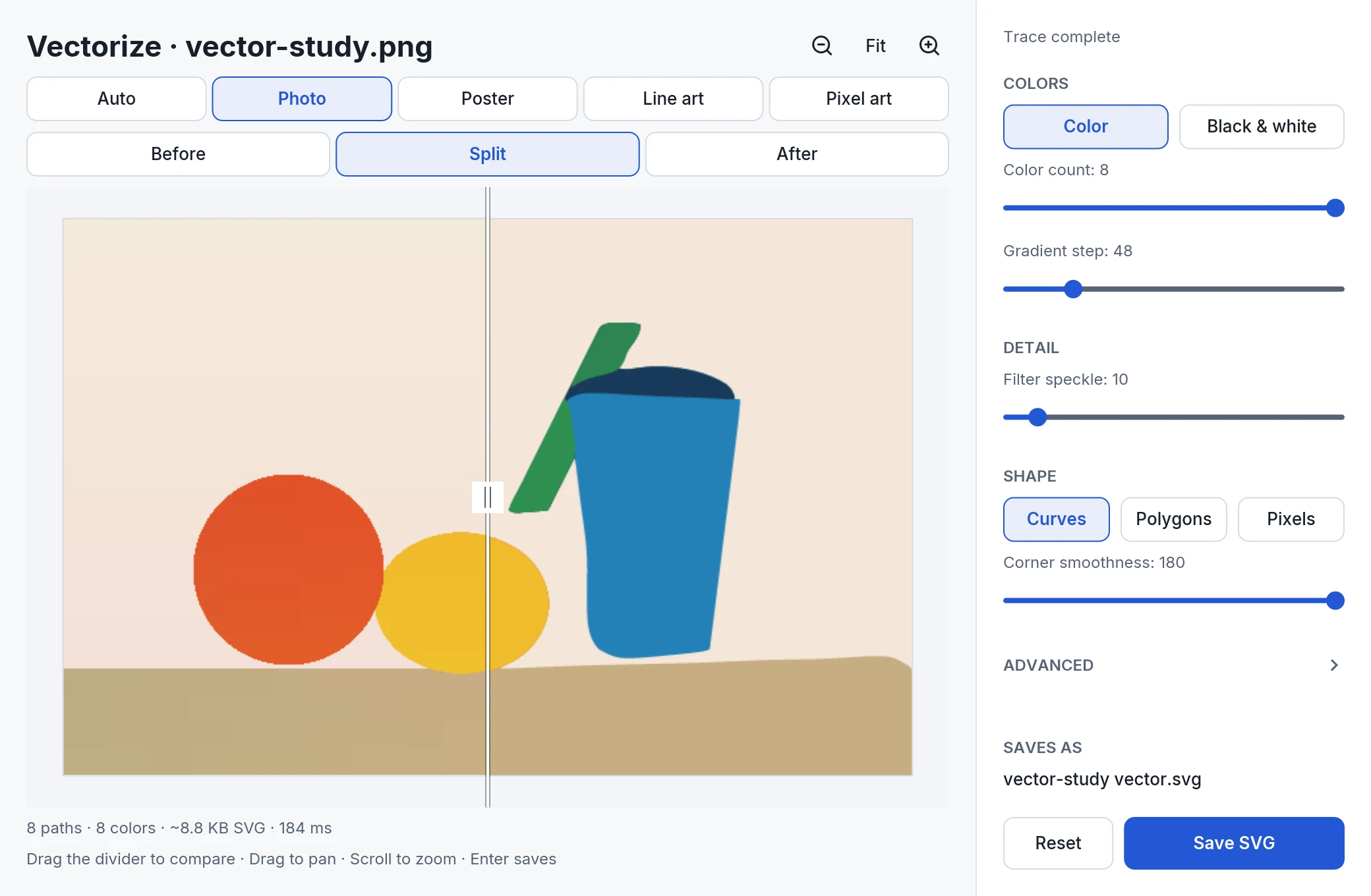 vectorize · photo split default · 2080 × 1360 ↓
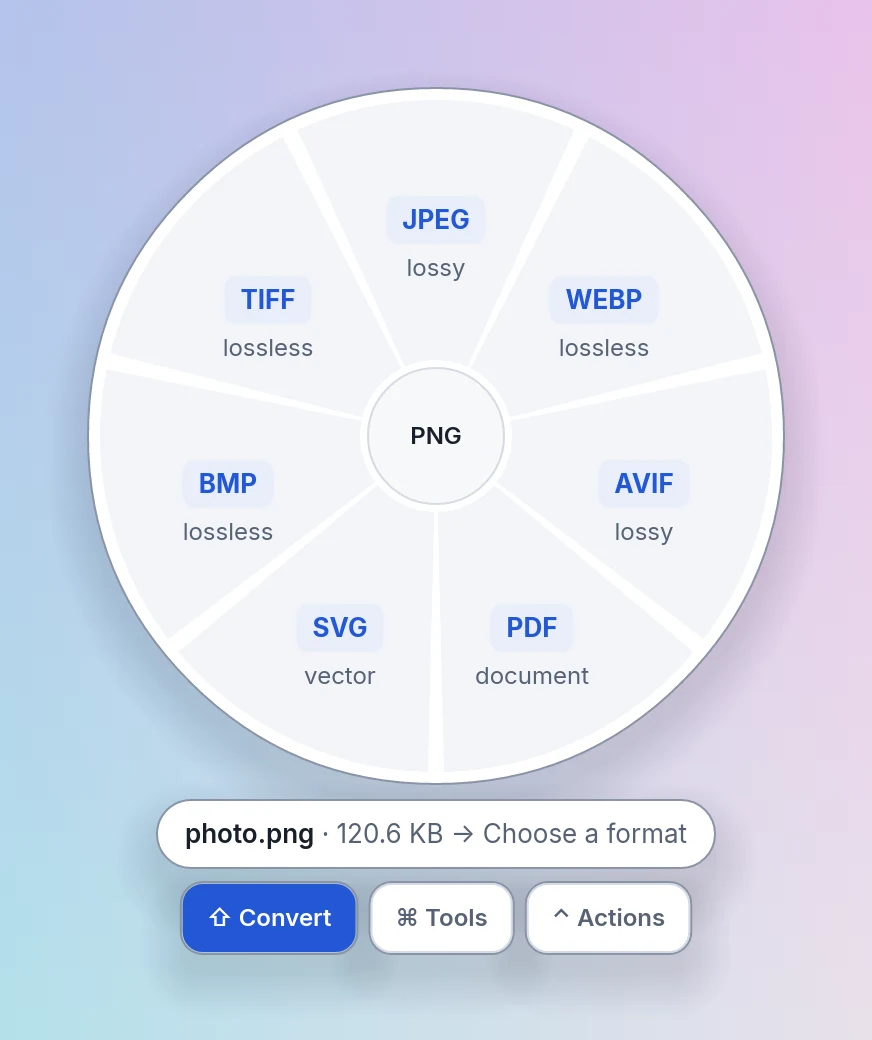 wheel convert · nothing hovered desktop light · 872 × 1040 ↓
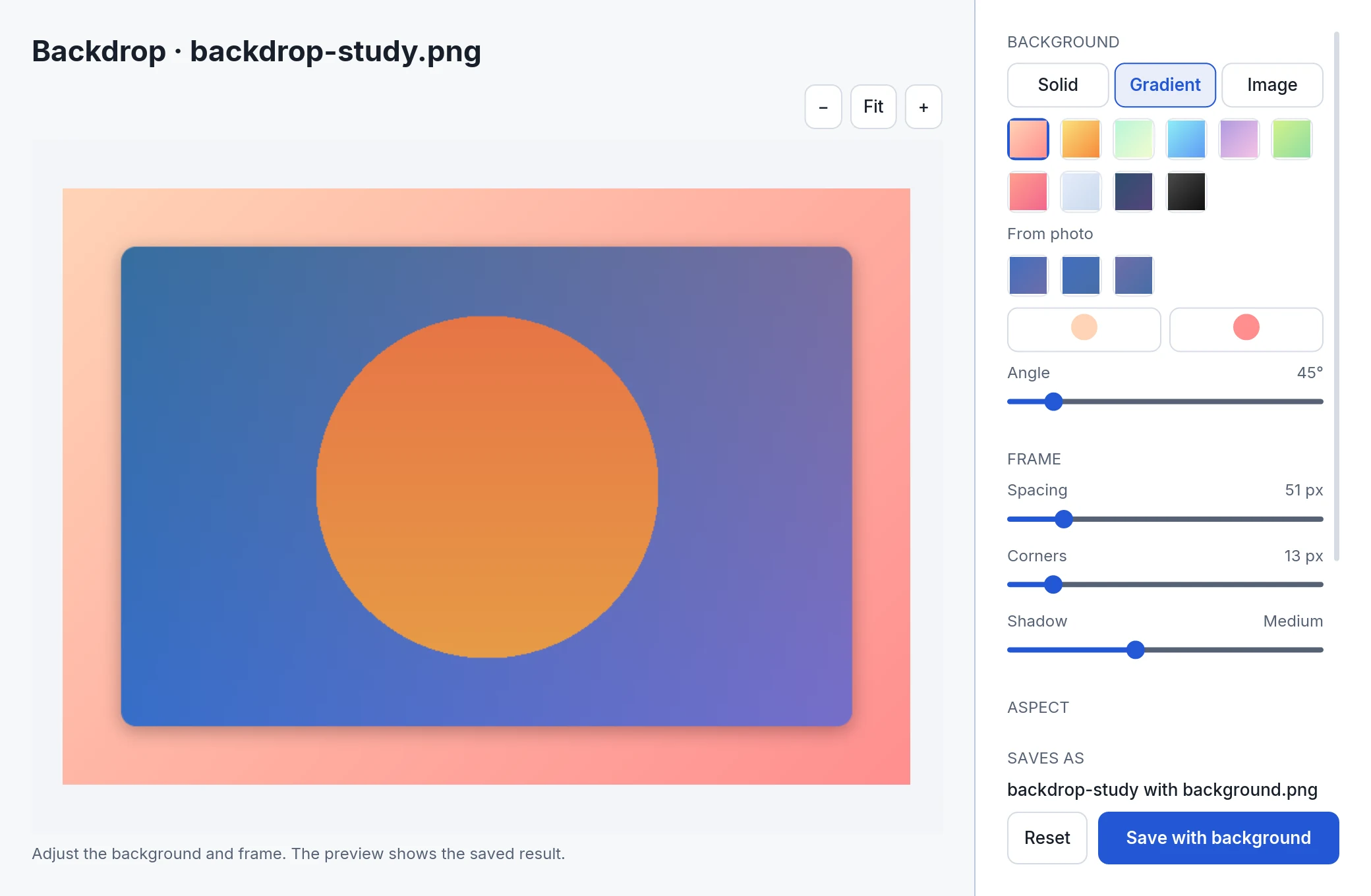 backdrop · gradient from photo default · 2080 × 1360 ↓
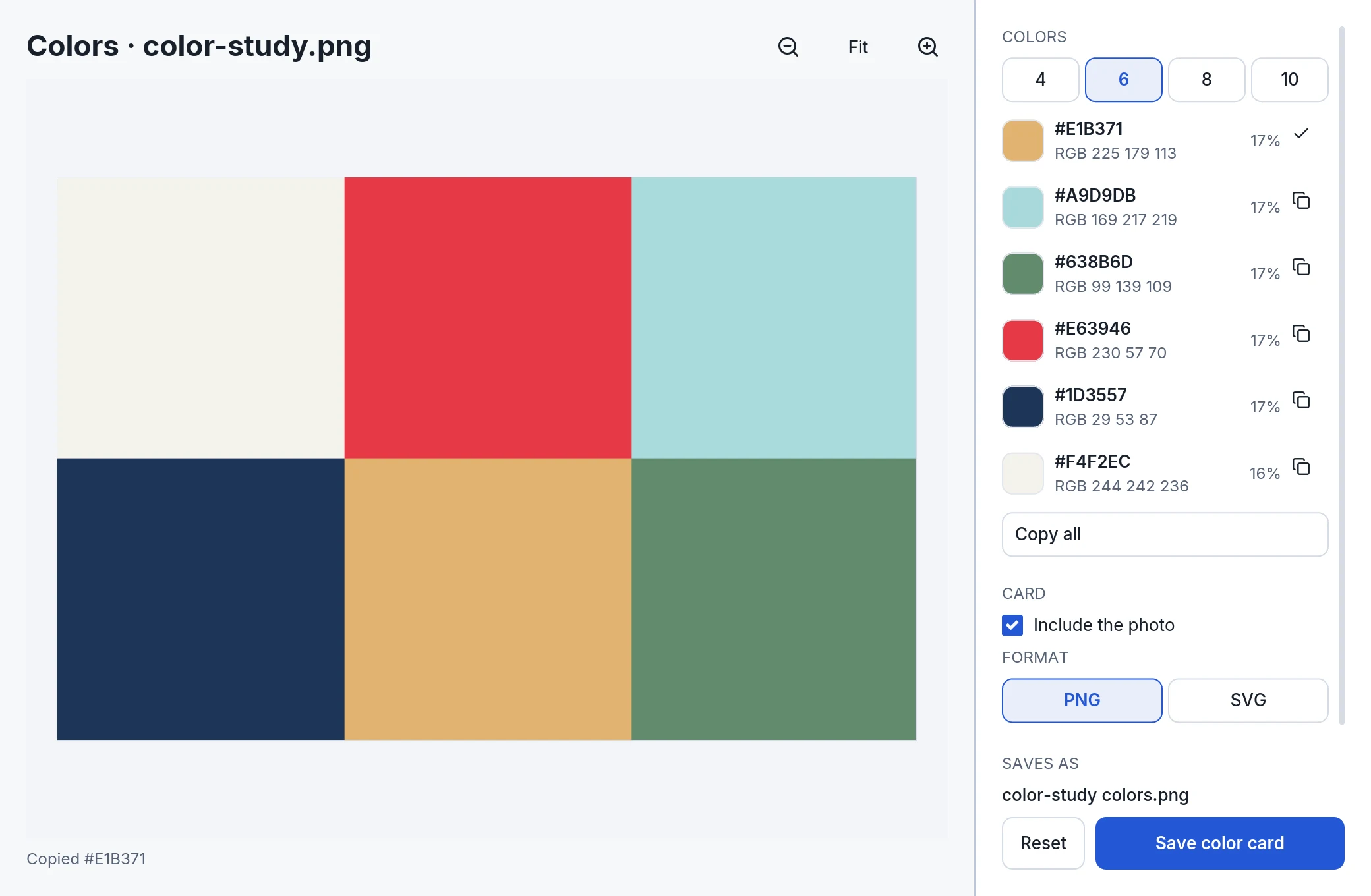 colors · copied hint default · 2080 × 1360 ↓
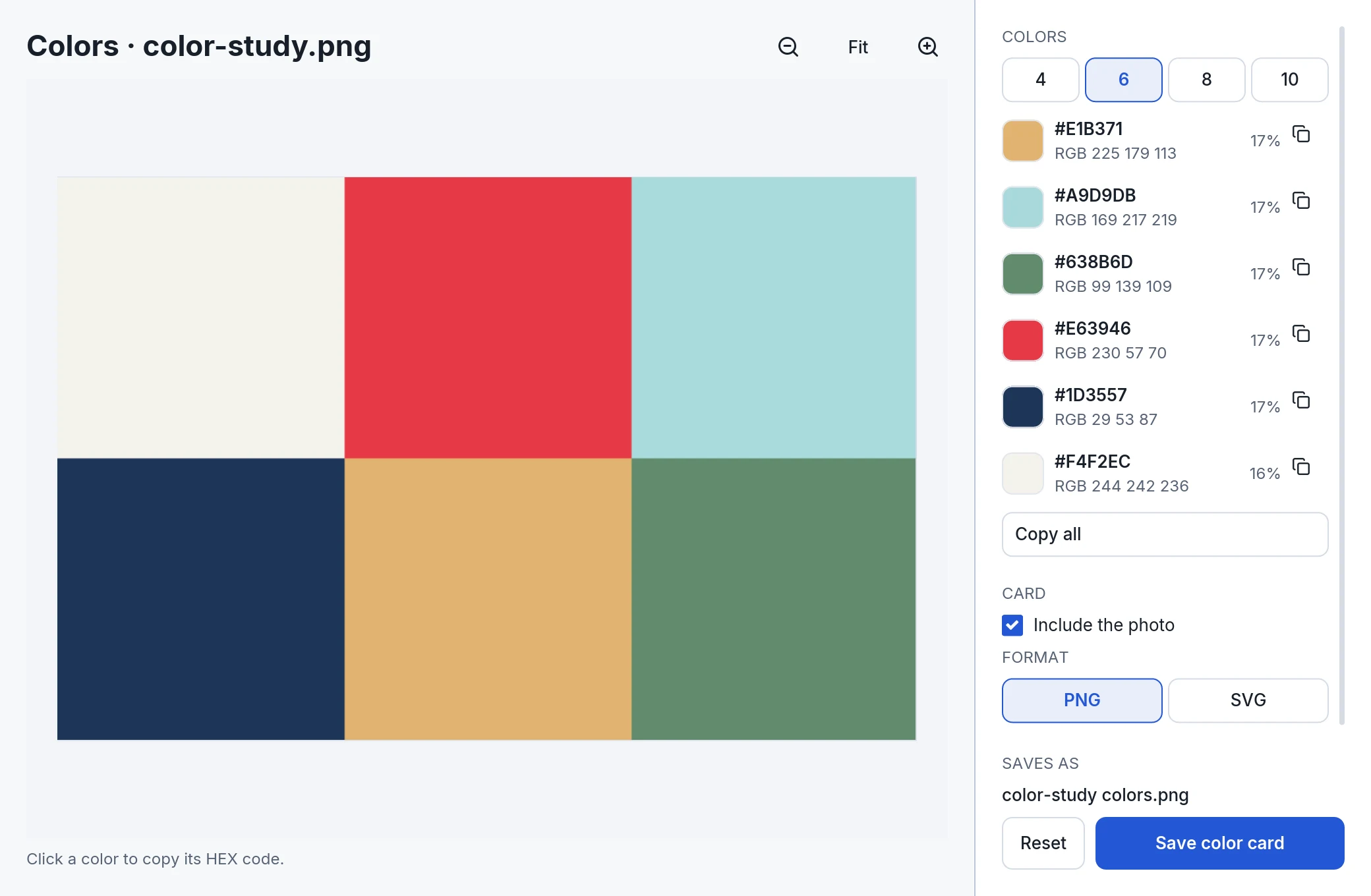 colors · six colors default · 2080 × 1360 ↓
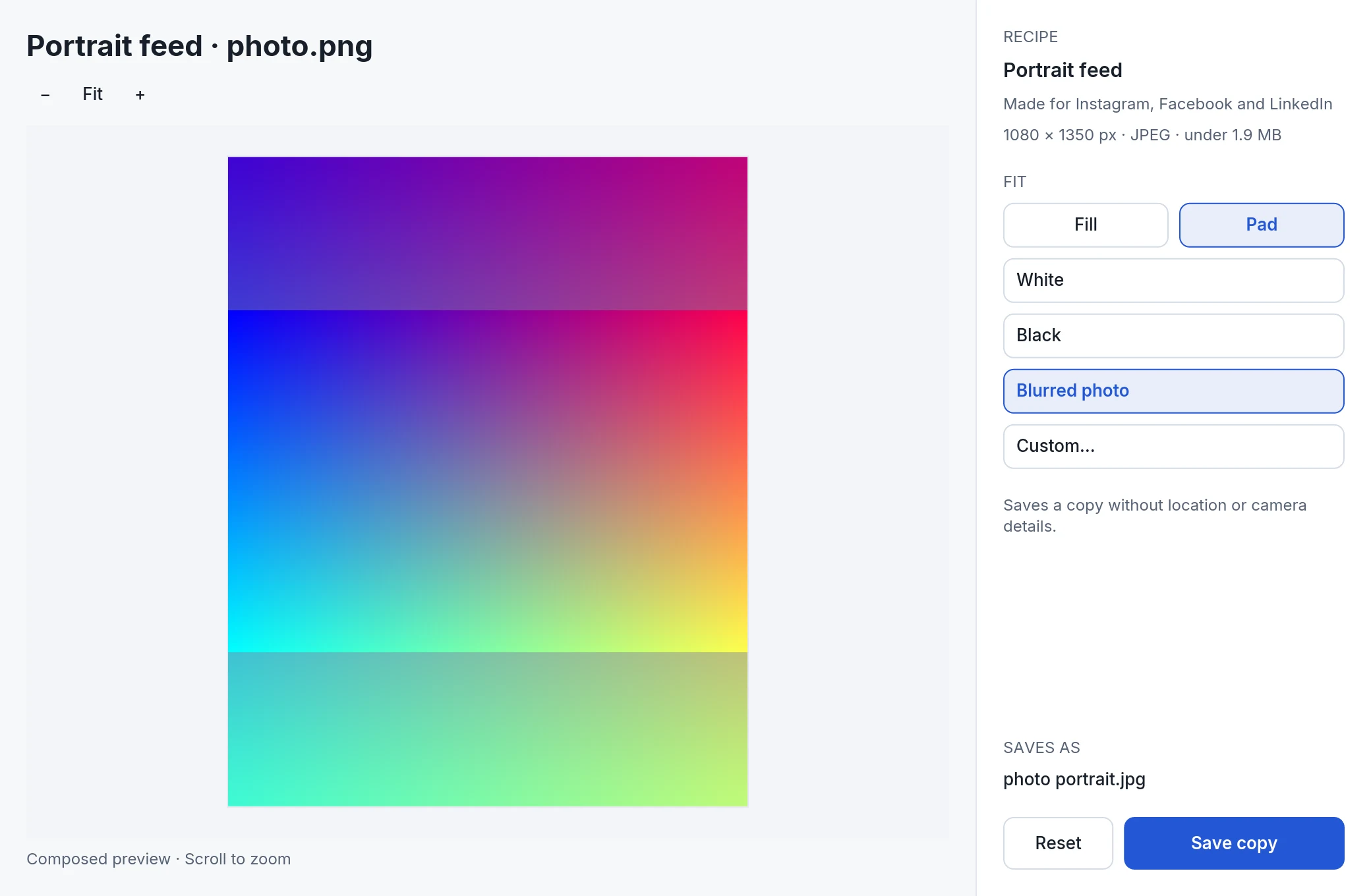 recipe review · pad blurred default · 2080 × 1360 ↓
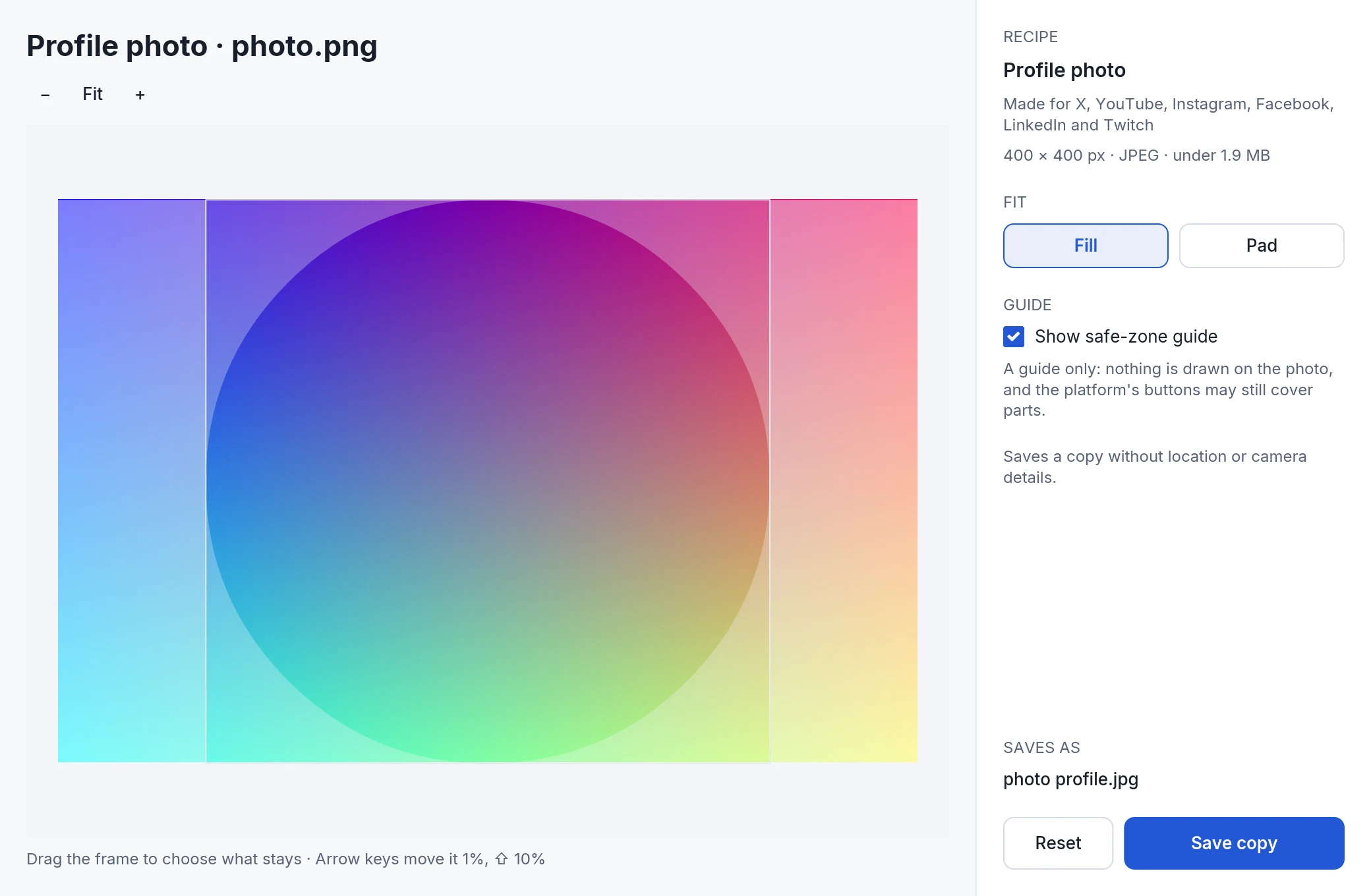 recipe review · profile circle default · 2080 × 1360 ↓
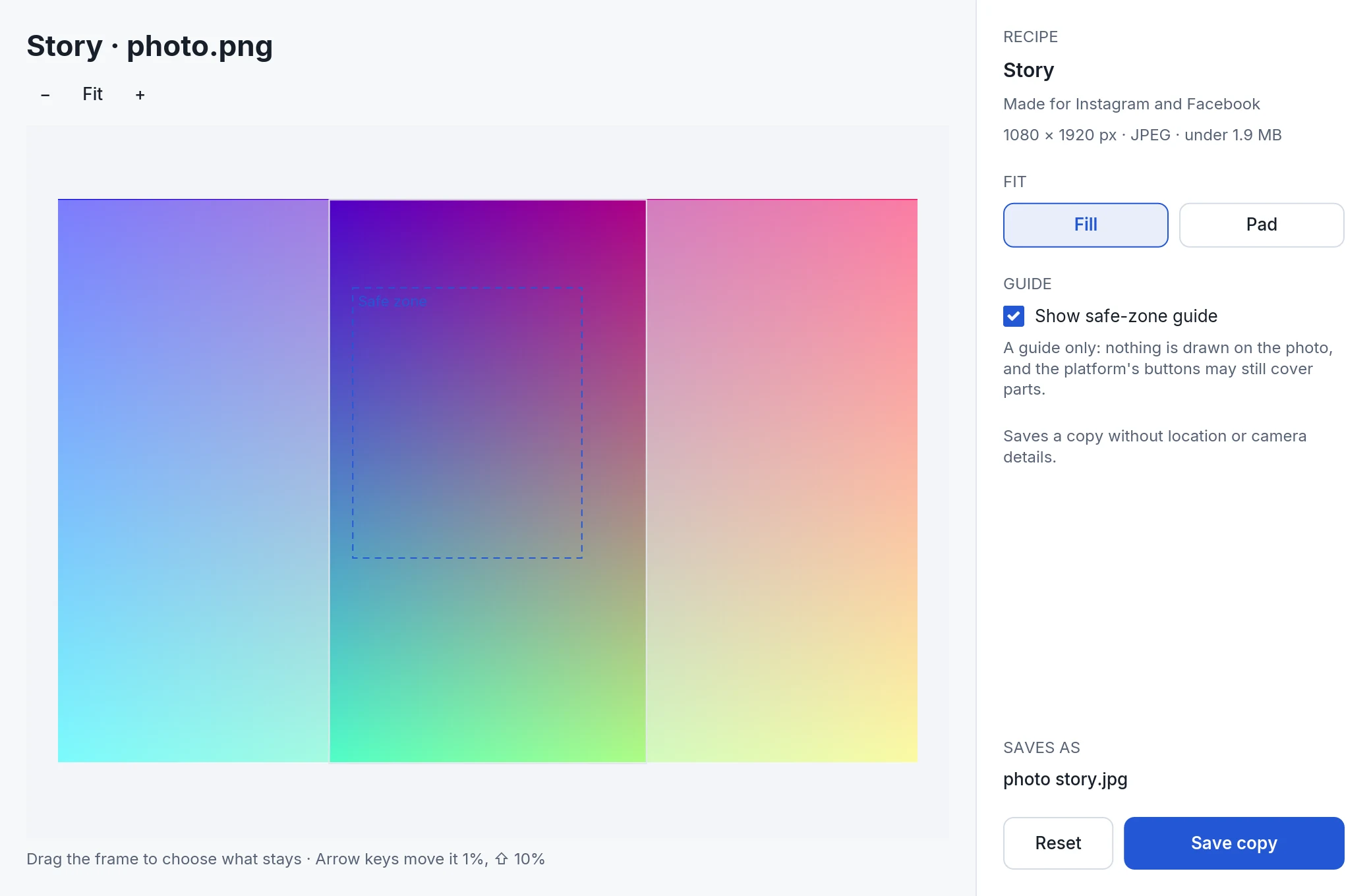 recipe review · story safe zone default · 2080 × 1360 ↓
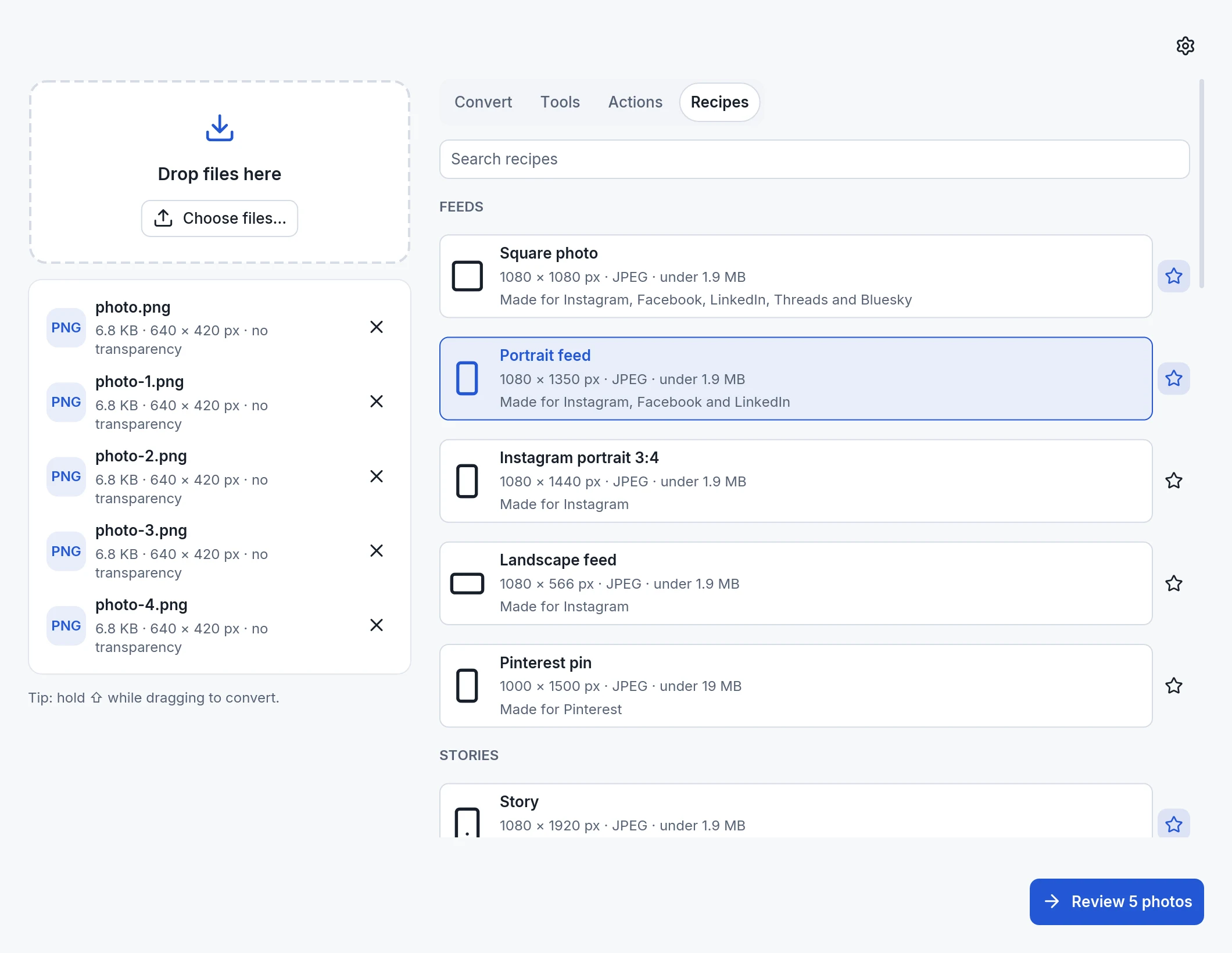 recipes · five photos default · 2120 × 1640 ↓
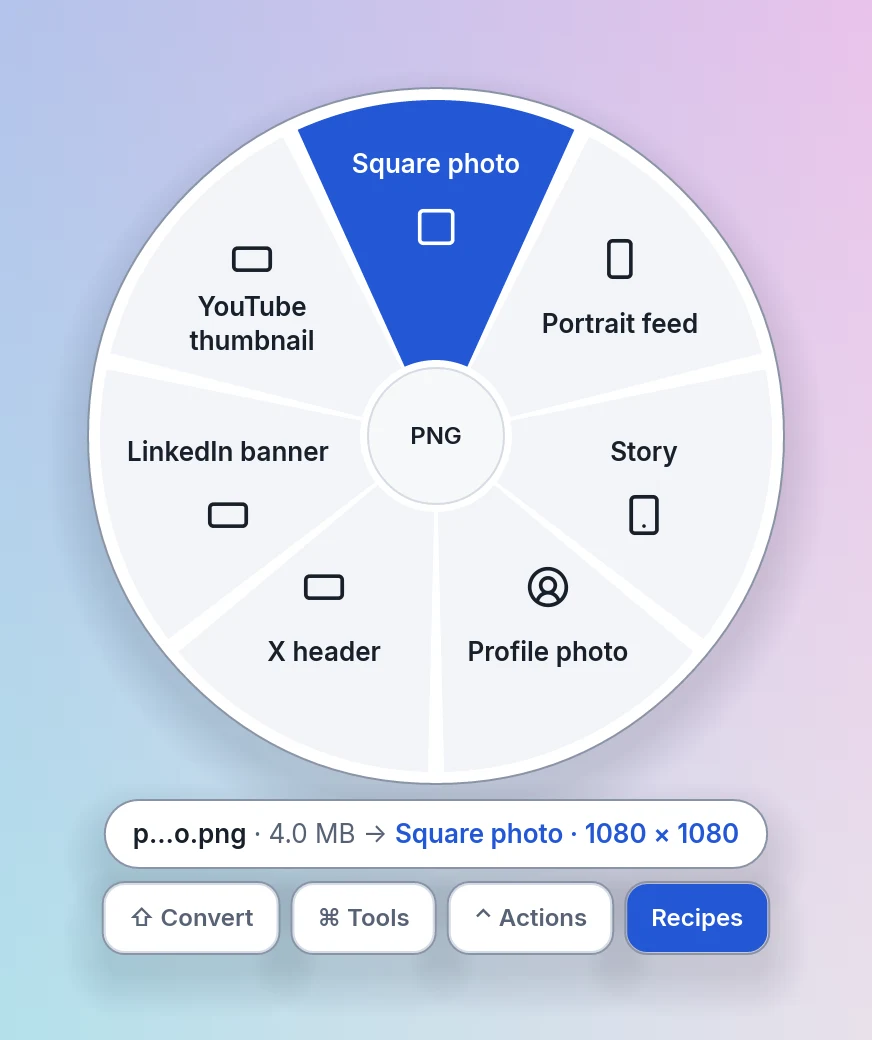 wheel recipes · hovered · 872 × 1040 ↓
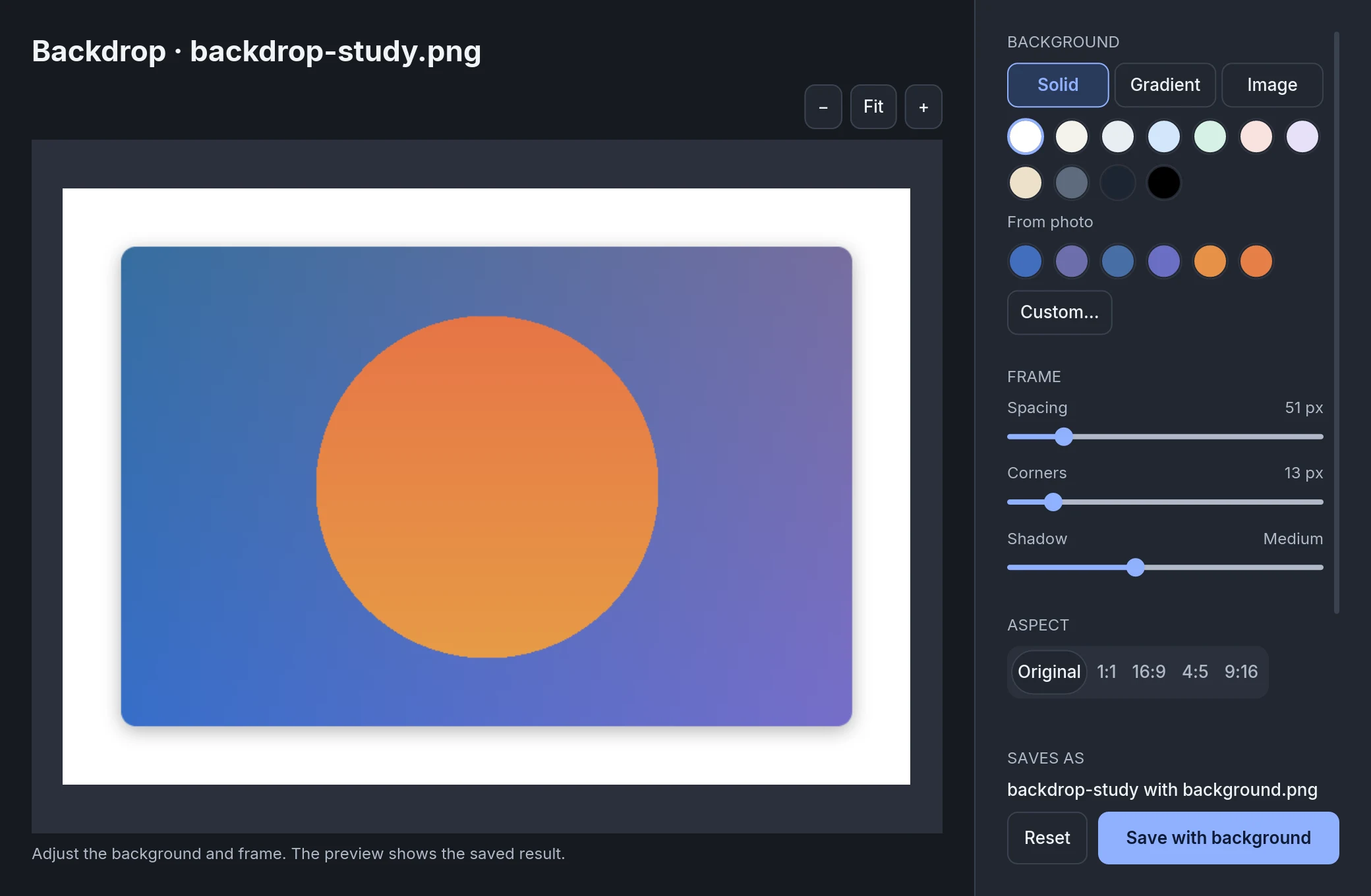 backdrop · solid from photo default · 2080 × 1360 ↓
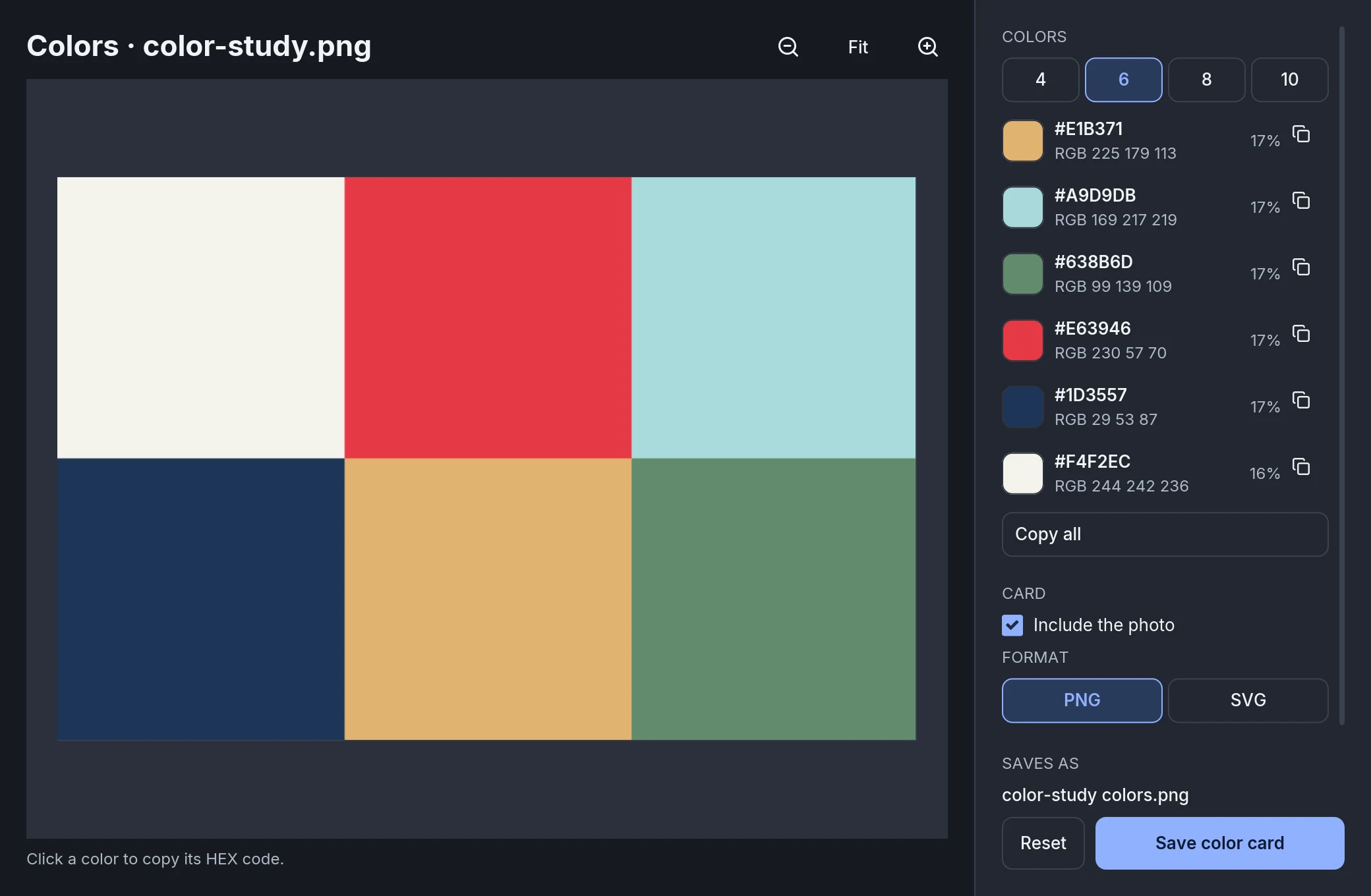 colors · six colors default · 2080 × 1360 ↓
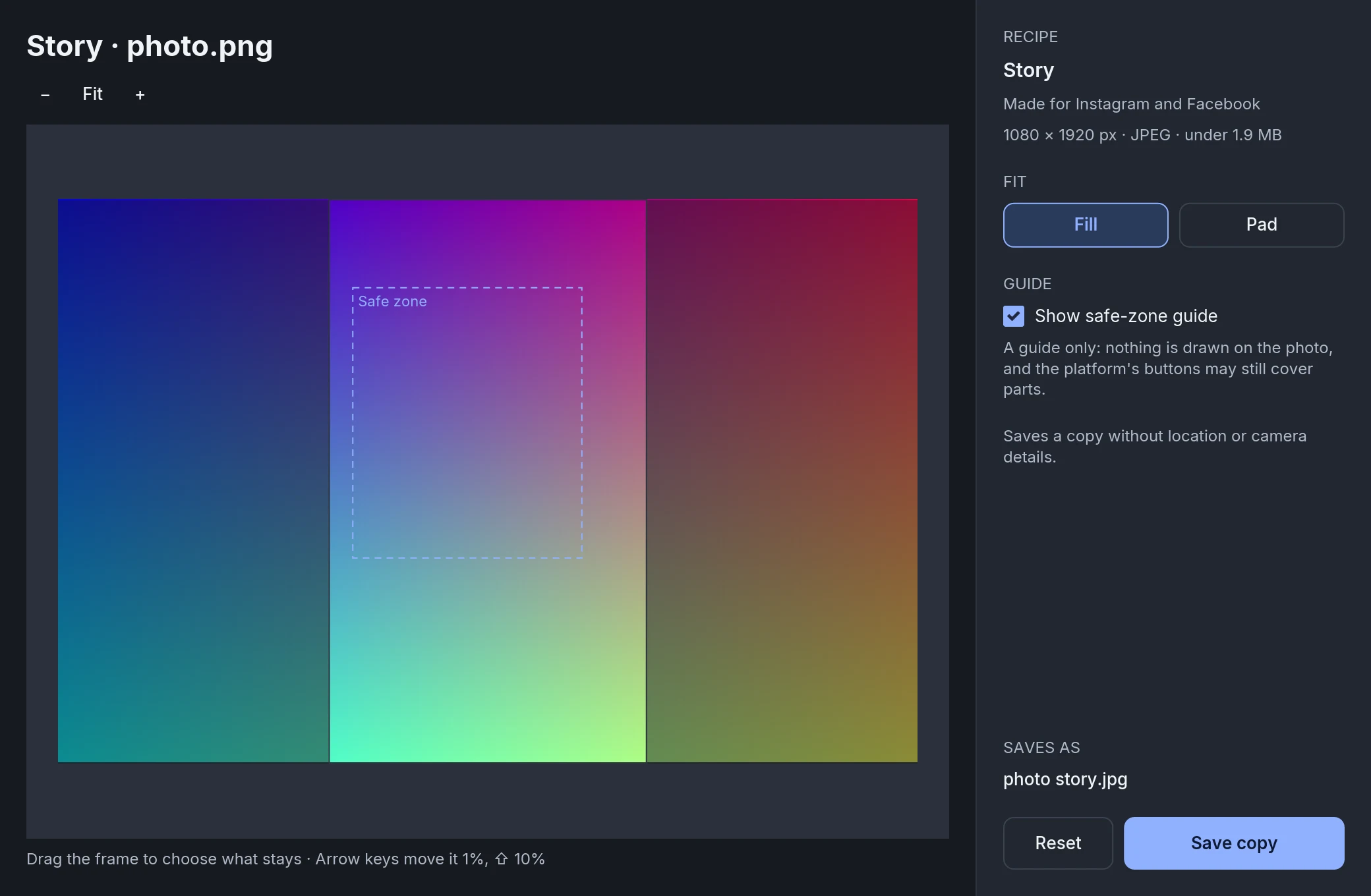 recipe review · story safe zone default · 2080 × 1360 ↓
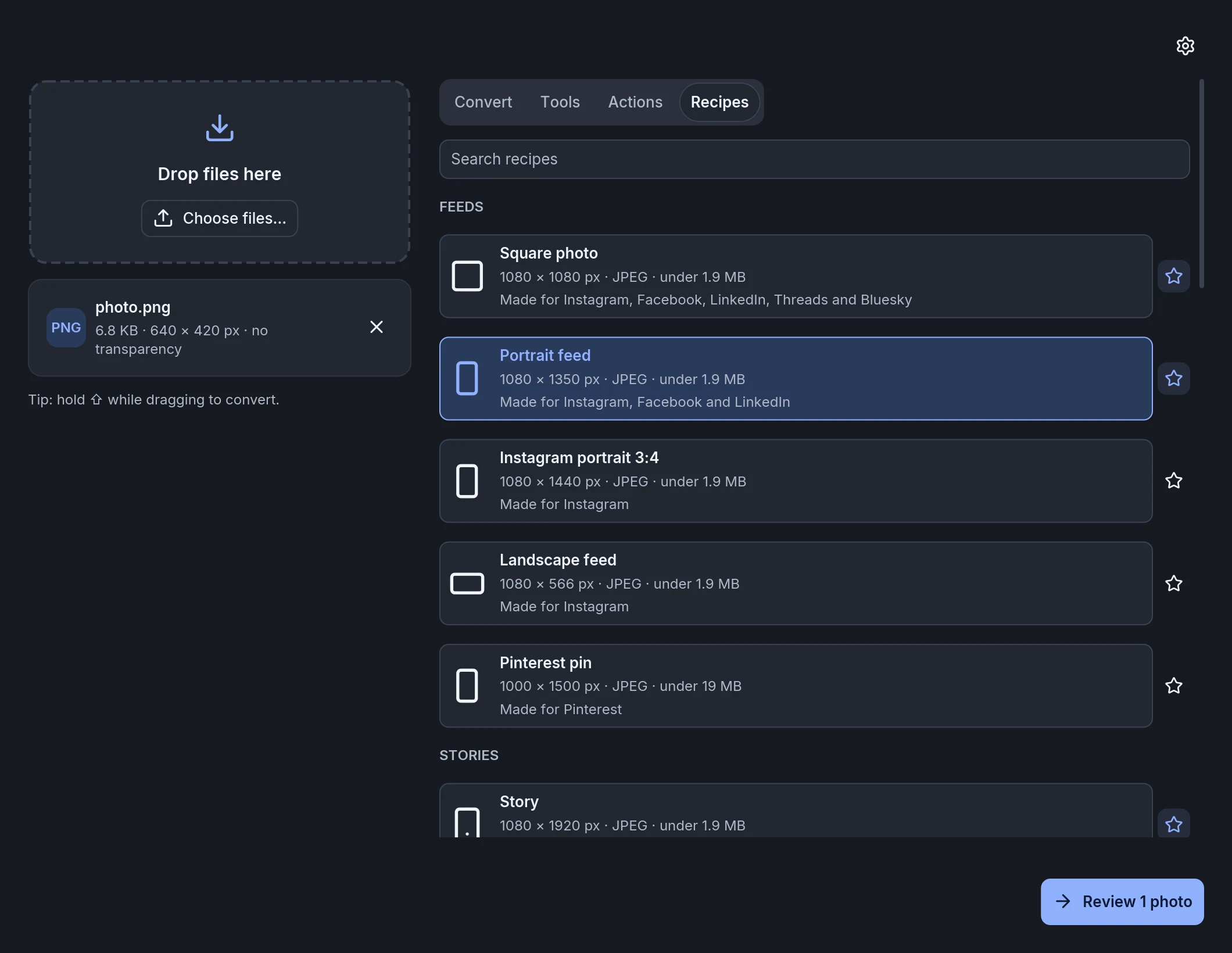 recipes · all groups default · 2120 × 1640 ↓
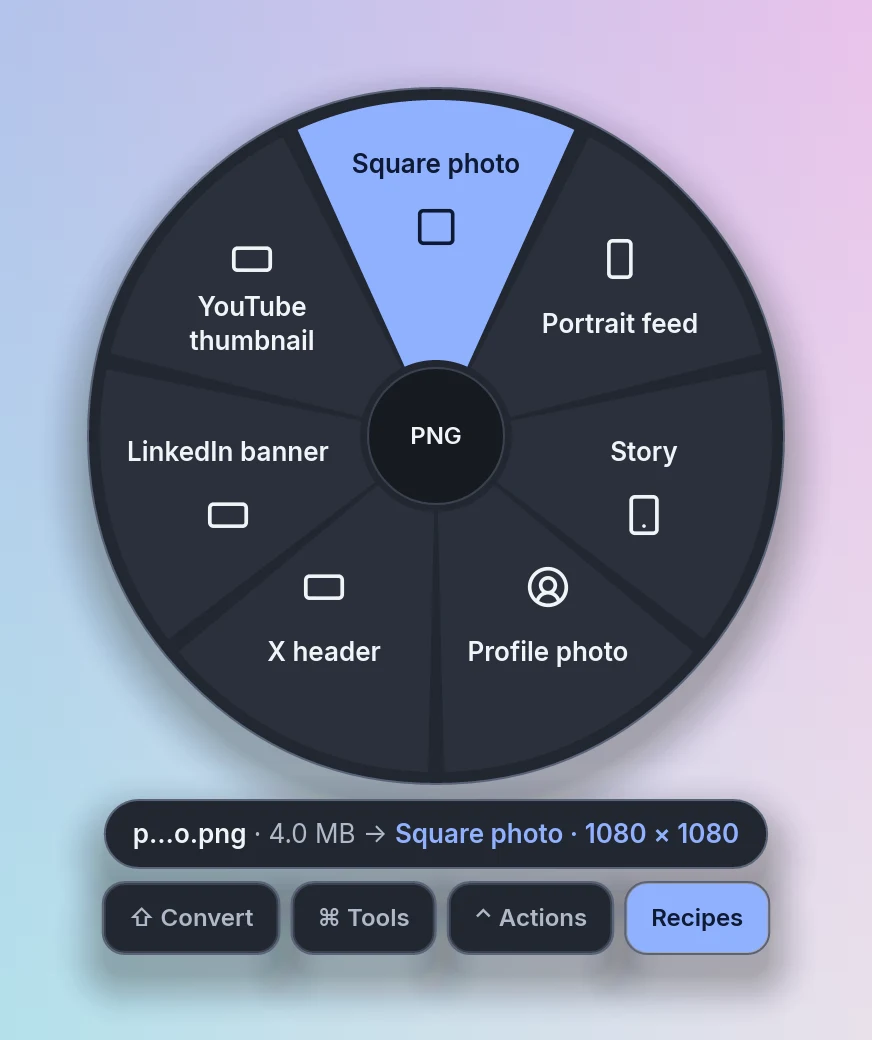 wheel recipes · hovered · 872 × 1040 ↓
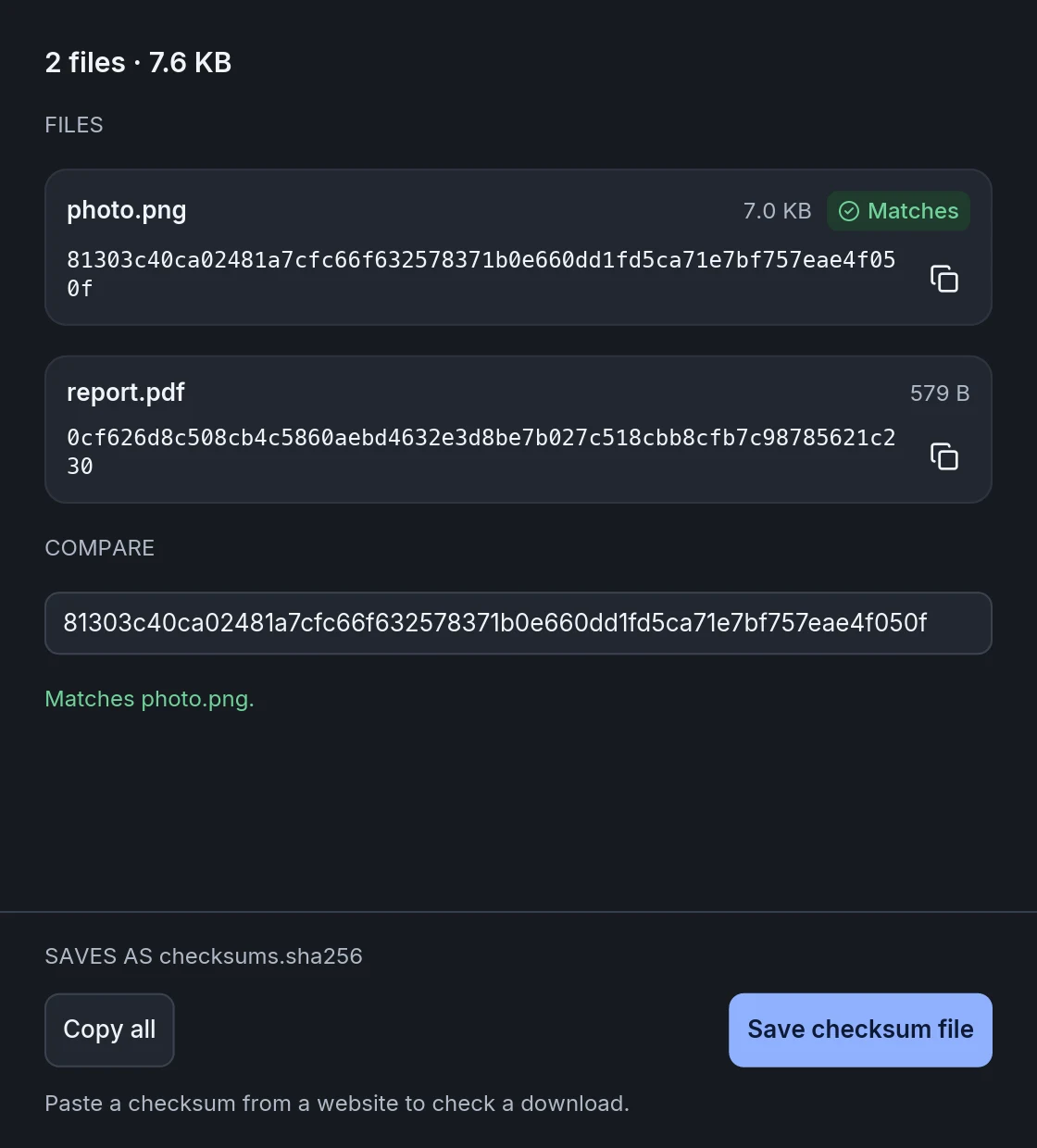 checksums · match default · 1120 × 1240 ↓
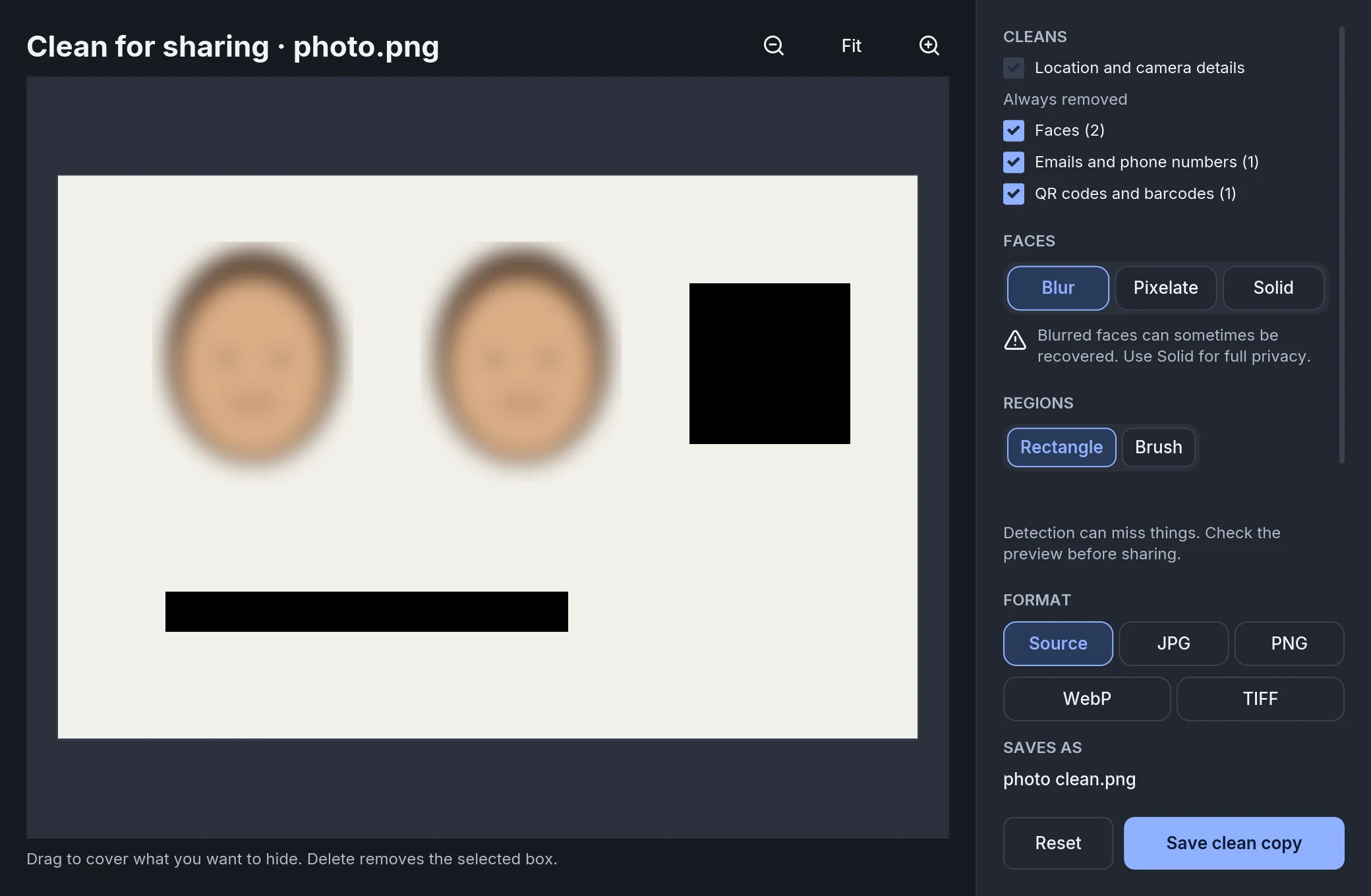 clean · results default · 2080 × 1360 ↓
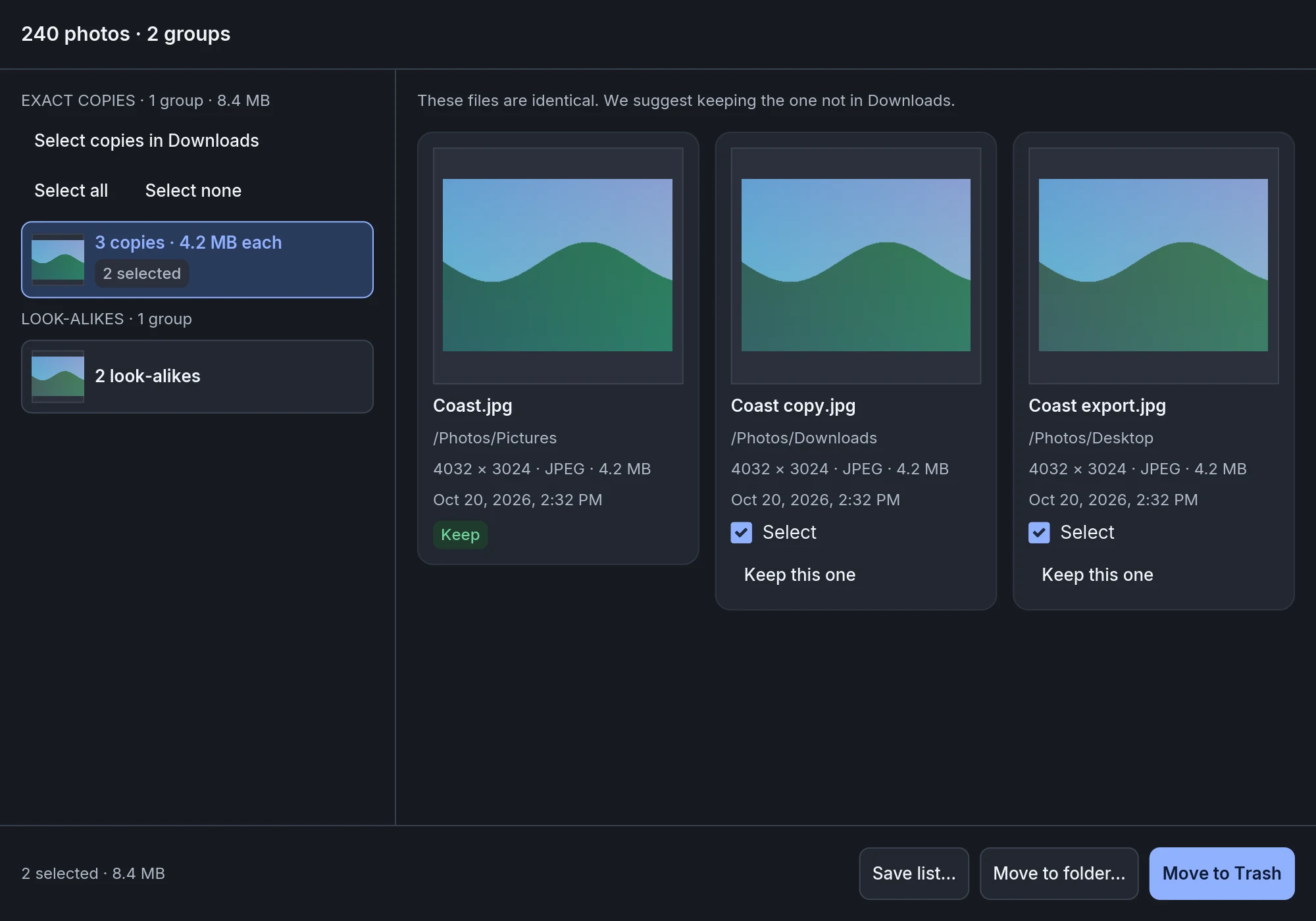 duplicates · exact default · 2000 × 1400 ↓